81
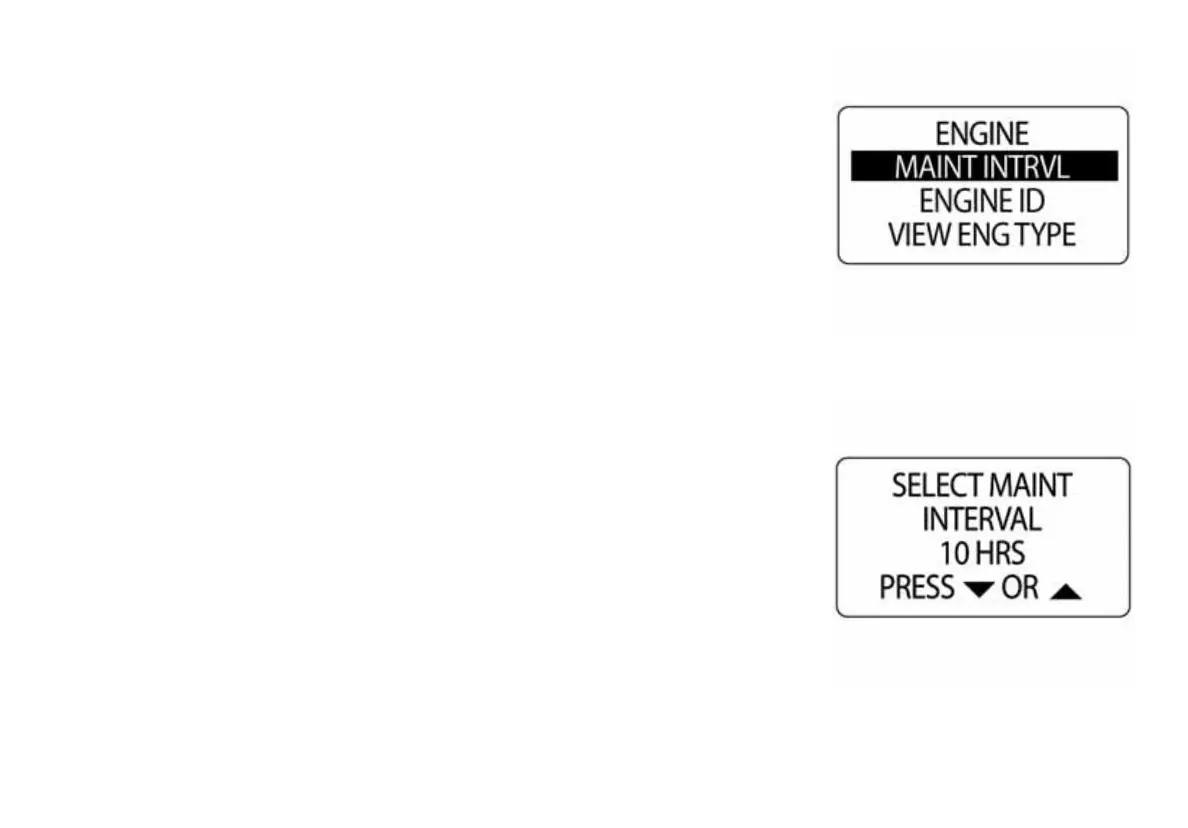
Engine Maintenance Interval
The ICON tachometer can monitor the engine hours and notify the opera-
tor when maintenance is needed. To set the MAINTENANCE INTERVAL
enter the DATA SRCS menu, then:
1.) Use the UP or DOWN buttons to select ENGINE.
2.) Press and hold the MODE button to enter the selection.
3.) Use the UP or DOWN buttons to select MAINT INTRV.
4.) Press and hold the MODE button to enter the selection.
5.) Press the UP button to increase, or press the DOWN button to
decrease the Maintenance Interval.
6.) Press and hold the MODE button to save the setting.
NOTE: A pop up window will appear when the pre-set maintenance inter-
val has been reached.
010088
010089



 To Next Page