82
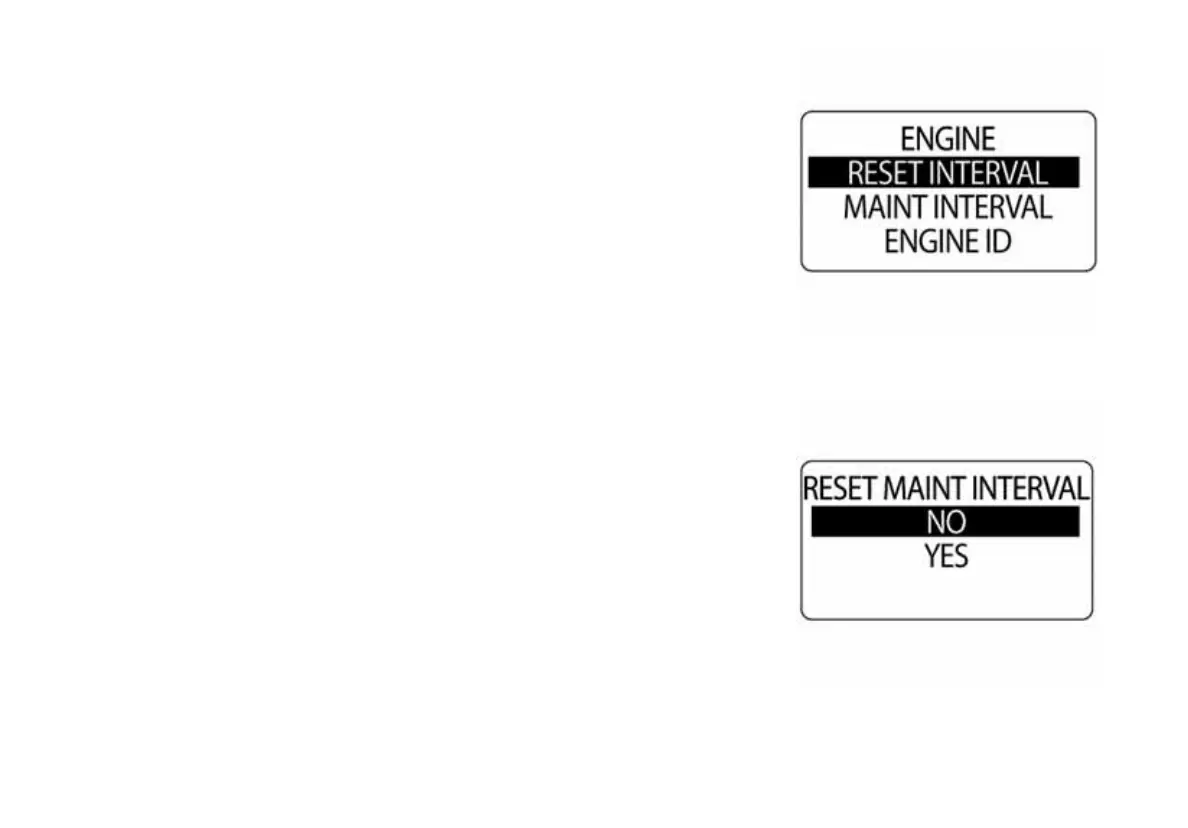
Reset the Engine Maintenance Interval
To reset the engine maintenance interval, enter the DATA SOURCES
menu, then:
1.) Use the UP or DOWN buttons to select ENGINE.
2.) Press and hold the MODE button to enter the selection.
3.) Use the UP or DOWN buttons to select RESET INTRV.
4.) Press and hold the MODE button.
At the prompt: RESET INTERVAL?
5.) Use the UP or DOWN buttons to select YES to reset the mainte-
nance interval, or select NO to exit.
010090
010091



 To Next Page