79
4.) Press and hold the MODE button to enter the selection.
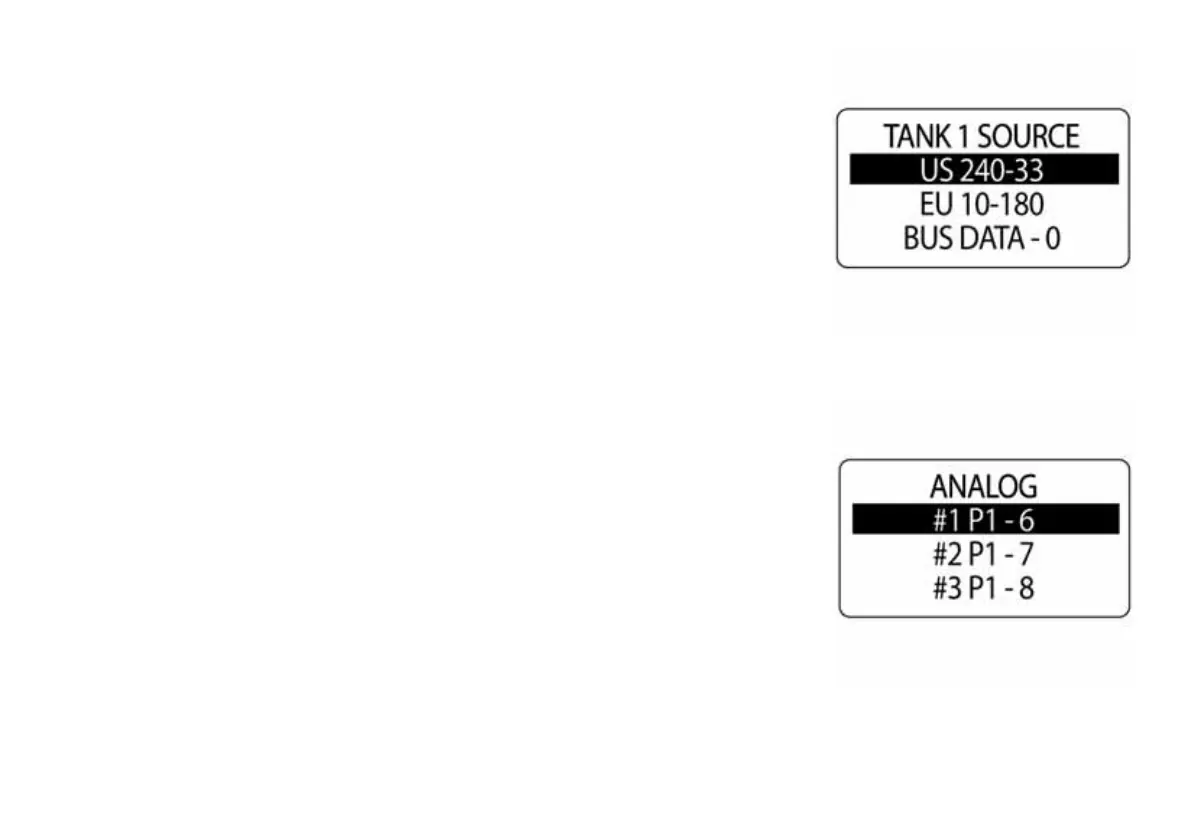
5.) Use the UP or DOWN buttons to select TANK SOURCE.
6.) Press and hold the MODE button to save the new selection. The LCD
will display SETTING SAVED! and the gauge will issue an audible beep.
7.) Repeat for all tanks.
IMPORTANT: If an analog source is selected, the pin the analog signal
is attached to will need to be specified.
010084
010085



 To Next Page