35
Edit Menu
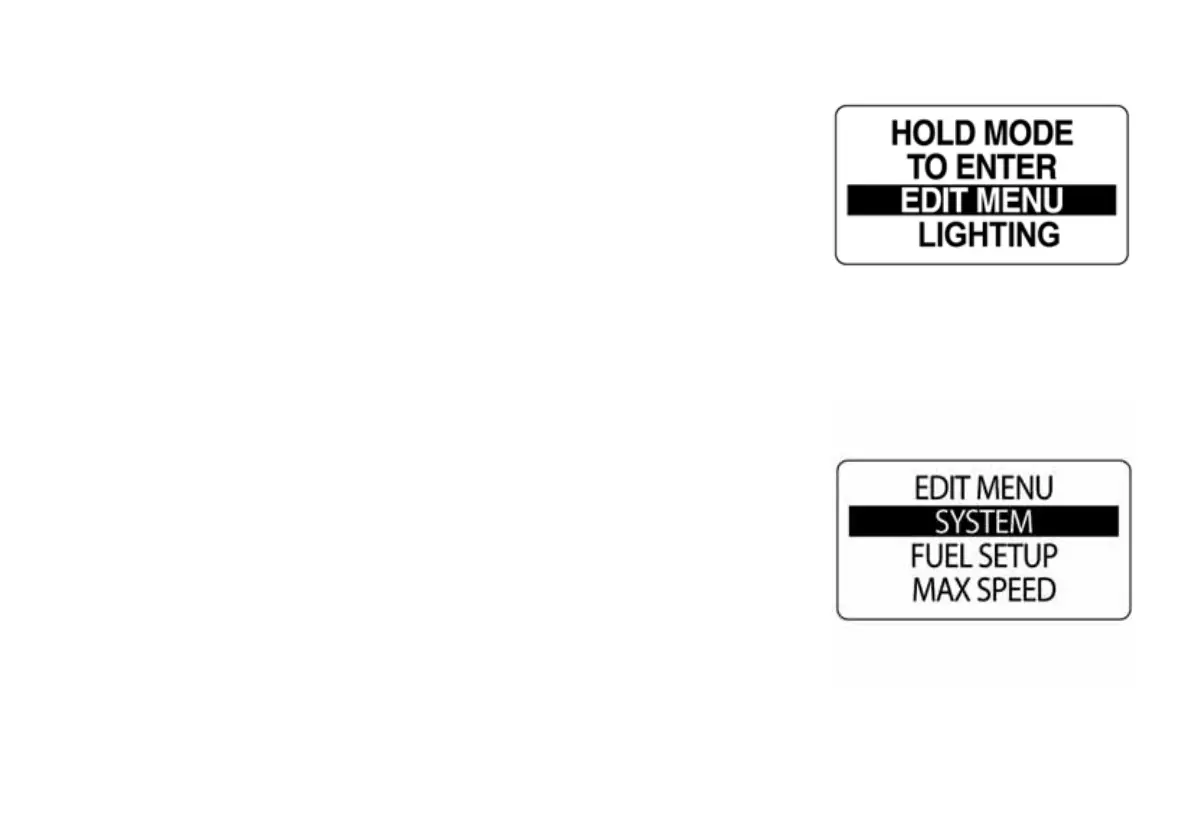
The EDIT MENU options are:
•FUEL SETUP: Use to set and manage the fuel devices.
•MAX SPEED: Use to view and reset the maximum speed setting.
•DISPLAY: Use to edit the data pages and adjust lighting and contrast.
•DATA SRCS: Use to select the data sources for engine parameters,
trim, battery, oil sender and analog inputs.
•DEPTH WARN: Use to set shallow, deep and keel warnings.
•CUSTOM ALERTS: Use to set alarms for oil pressure and engine tem-
perature.
•POP UP ALERTS: Use to set user definable information pop ups
when changes occur in a monitored data value.
•SYSTEM: Use to make changes to audio, perform a self-test or master
reset and view the software version.
1.) Press the MODE button once to display the Menu Options.
2.) Use the UP or DOWN buttons to select EDIT MENU. Then press and
hold the MODE button to enter.
010016
010017



 To Next Page