84
Calibrate Trim Sender
Use the ICON tachometer to calibrate the trim sender. To calibrate the trim sender, enter the DATA SRCS
menu, then:
1.) Use the UP or DOWN buttons to select TRIM.
2.) Press and hold the MODE button to enter the selection.
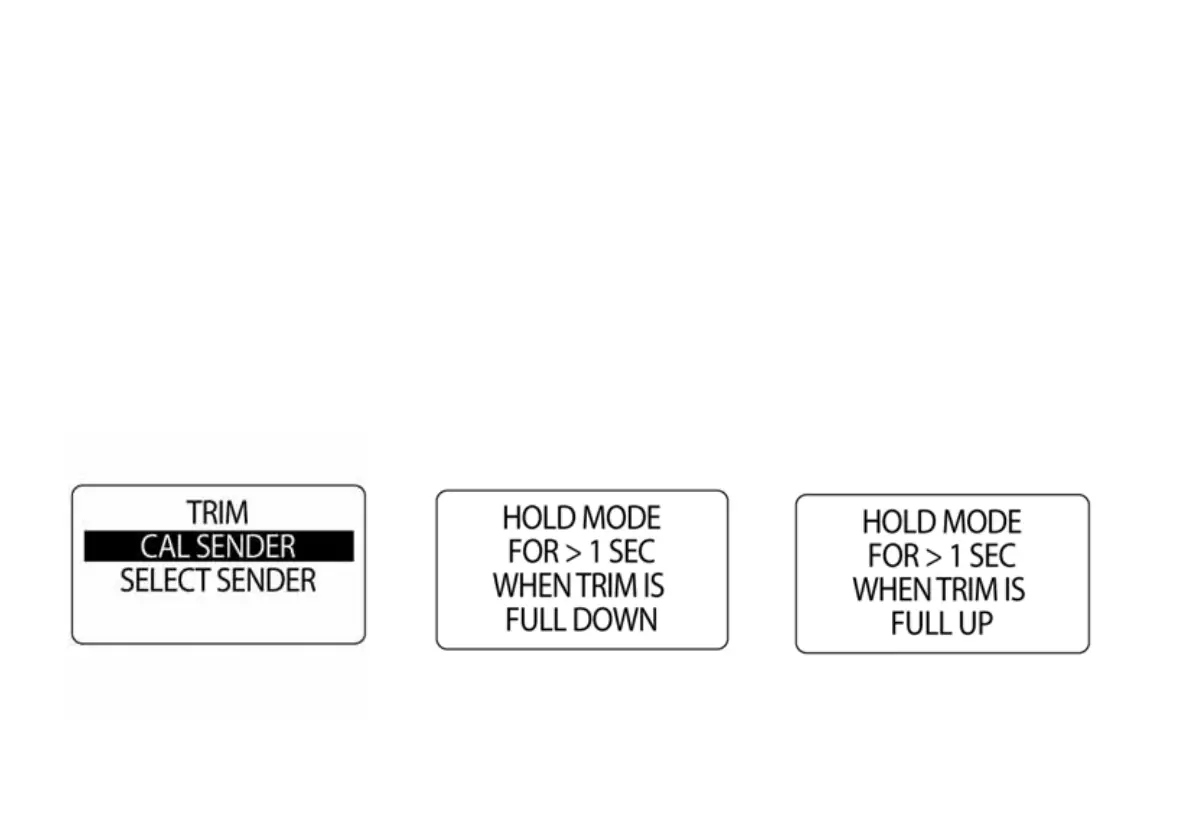
3.) Use the UP or DOWN buttons to select CAL SENDER.
4.) Press and hold the MODE button to enter calibration.
5.) The LCD screen displays: HOLD MODE FOR > 1 SEC WHEN TRIM FULL DOWN,
6.) Make sure the engine is in the full trim DOWN position. Then press and hold the MODE button to save
the trim DOWN position.
7.) The LCD screen displays: SETTING SAVED!



 To Next Page