109
Edit Menu Options
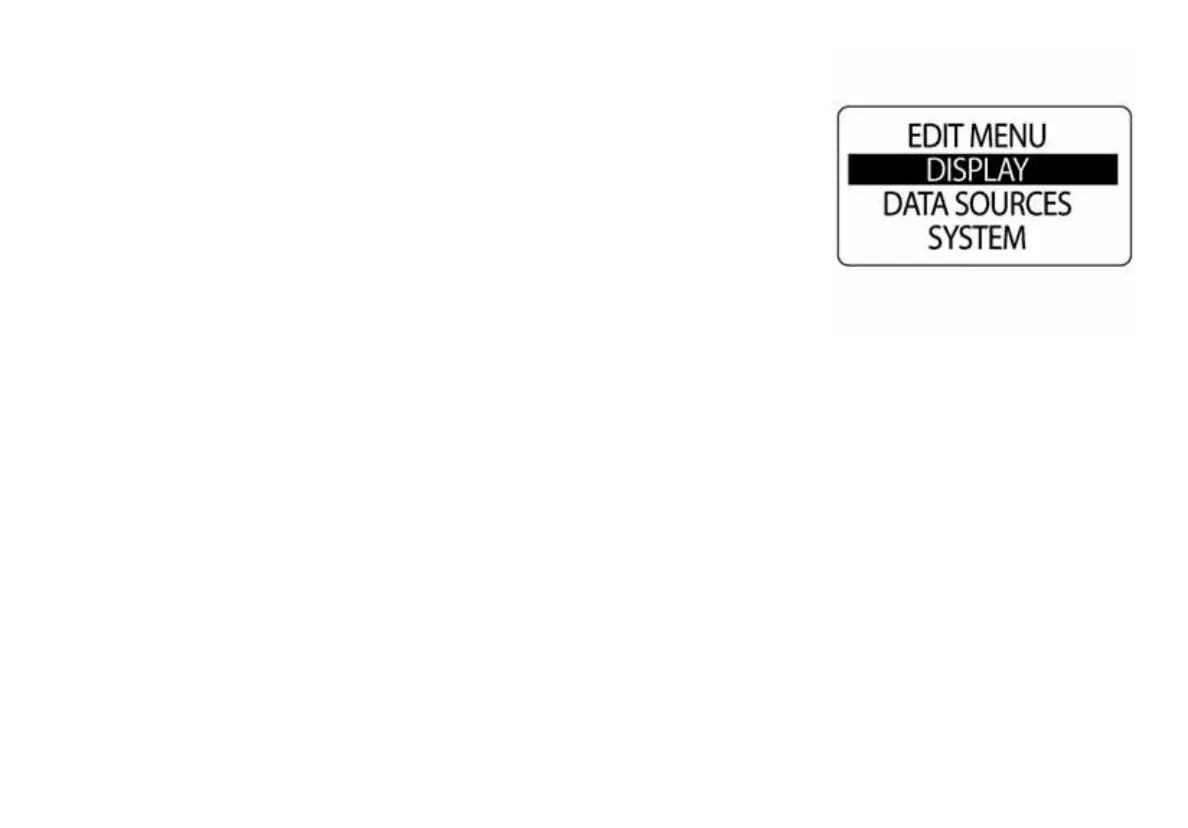
Use EDIT MENU to change ICON gauge settings. The speedometer edit
menu options are:
•SYSTEM: Use to make global speedometer changes.
•DISPLAY: Use to edit data pages.
•DATA SRCS: Used to set data sources.
•MAXSPEED: Use to view/reset maximum speed recorded.
1.) Press the MODE button once to display the Menu Options.
2.) Use the UP or DOWN buttons to select the desired menu option.
3.) Press and hold the MODE button to enter the selected menu option.
010138



 To Next Page