20
Display Settings
Adjust the display settings to improve visibility.
1.) Press the MODE button once to enter the MENU OPTIONS page.
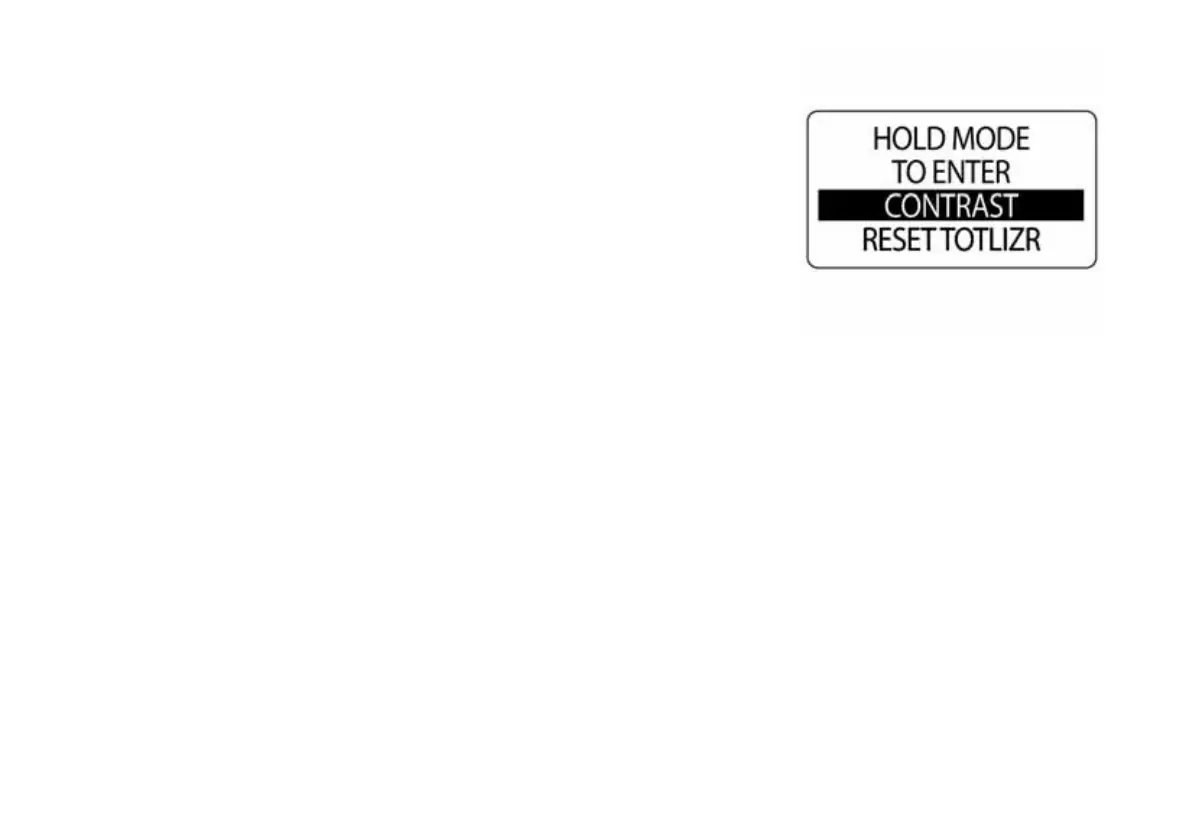
2.) Press the UP or DOWN buttons to select LIGHTING or CONTRAST.
3.) Press and hold the MODE button to make the selection.
To adjust the contrast, go to Step 4.
To adjust the backlight on all system gauges and NMEA 2000 backbone
network devices, go to Step 6.
NOTE: LIGHTING is available only if the source for LCD, DIAL or SYS-
TEM is set to INSTRUMENT.
009990



 To Next Page