63
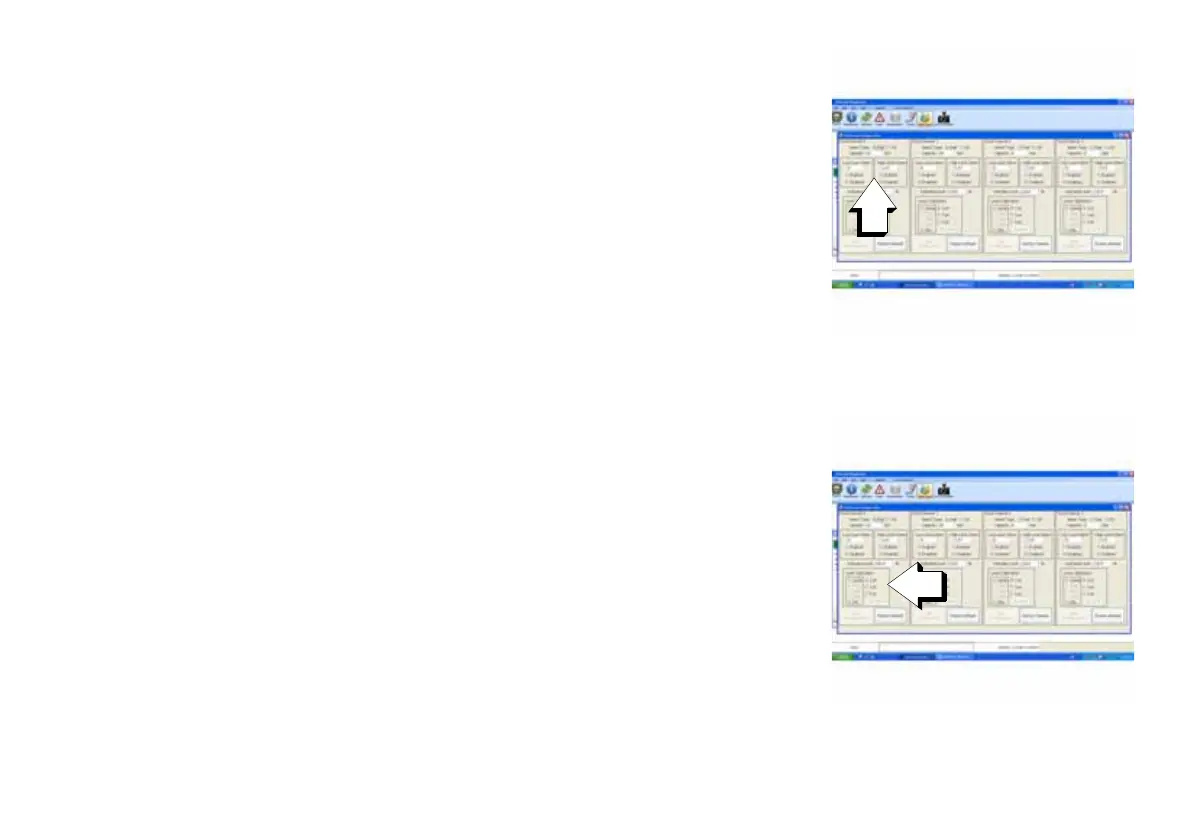
7.) Enter the Low and High Level Alarms into the Low Level Alarm and
High Level Alarm boxes within the proper Fluid Channel box.
NOTE: Setting these values will trigger an alarm when the tanks reach the
set high and low values.
8.) Set the tank level calibration for each tank within the proper Fluid
Channel box.
Each tank can be set to either 2, 3 or 5 point calibration.
When the level sender is set to a 2 point calibration, the level sender will
read only 100% and 0%.
When the level sender is set to a 3 point calibration, the level sender will
read 100%, 50% and 0%.
When the level sender is set to a 5 point calibration, the level sender will
read 100%, 75%, 50%, 25% and 0%.
9.) Save the settings by clicking on the Save Configuration box or reset
all of the settings by clicking on the Factory Default box.
1. Low and High Level Alarm
boxes
009975
1. Level Calibration box 009975



 To Next Page