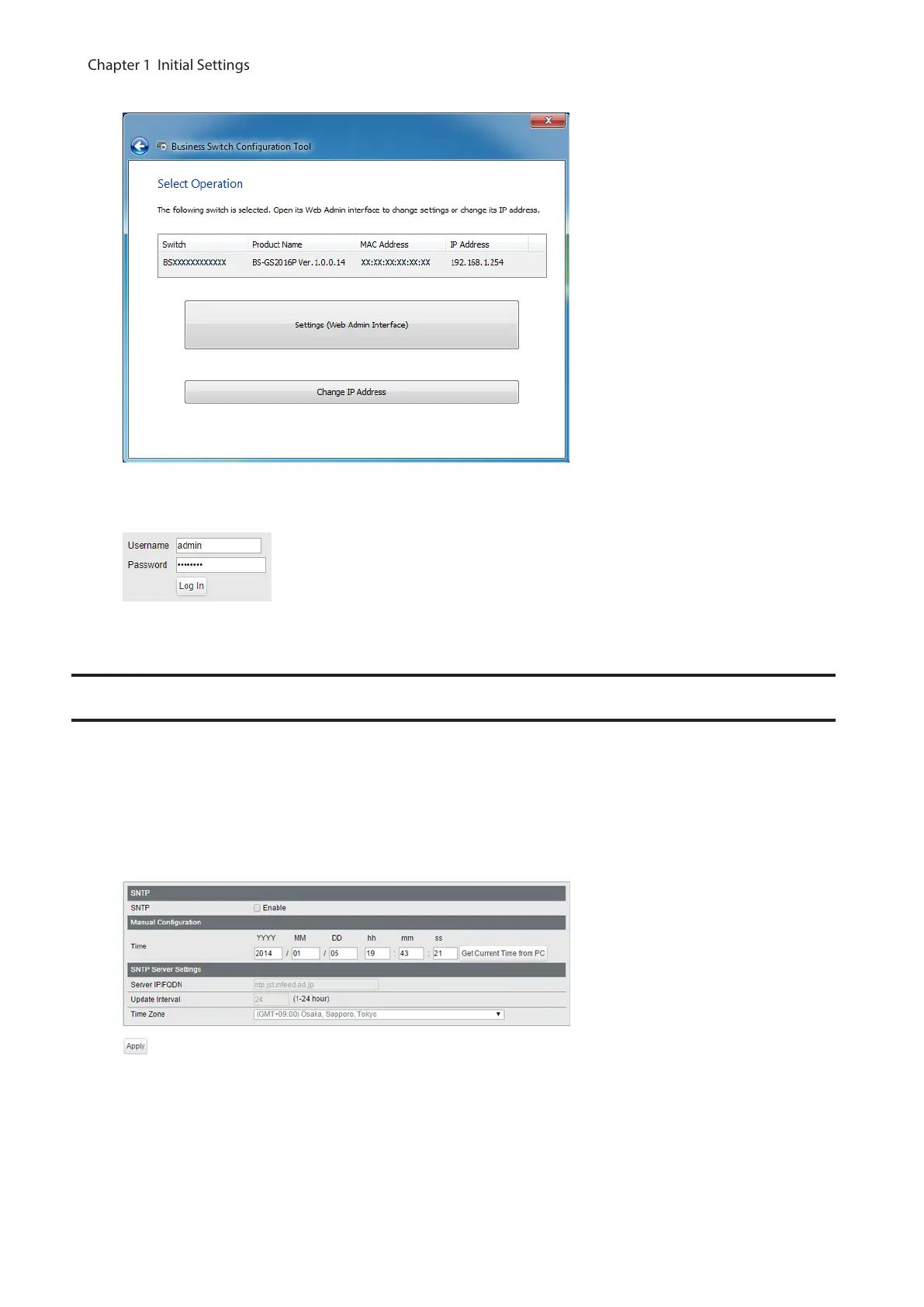
5 Click [Settings (Web Admin Interface)].
6 Click OK to launch a web browser and display the login screen. Enter “admin” as the username and “password”
as the password, then click [Log In].
Configure Date and Time
To configure the date and time, refer to the following procedure.
1 Open Settings.
2 Navigate to [Basic] - [Date & Time].
3 Configure each settings and click [Apply].
Note: Enter the IP address or FQDN of the NTP server to change the NTP server. You may enter 4-255
characters. To use FQDN, you have to configure DNS settings separately.
10
Chapter 1 Initial Settings



 To Next Page