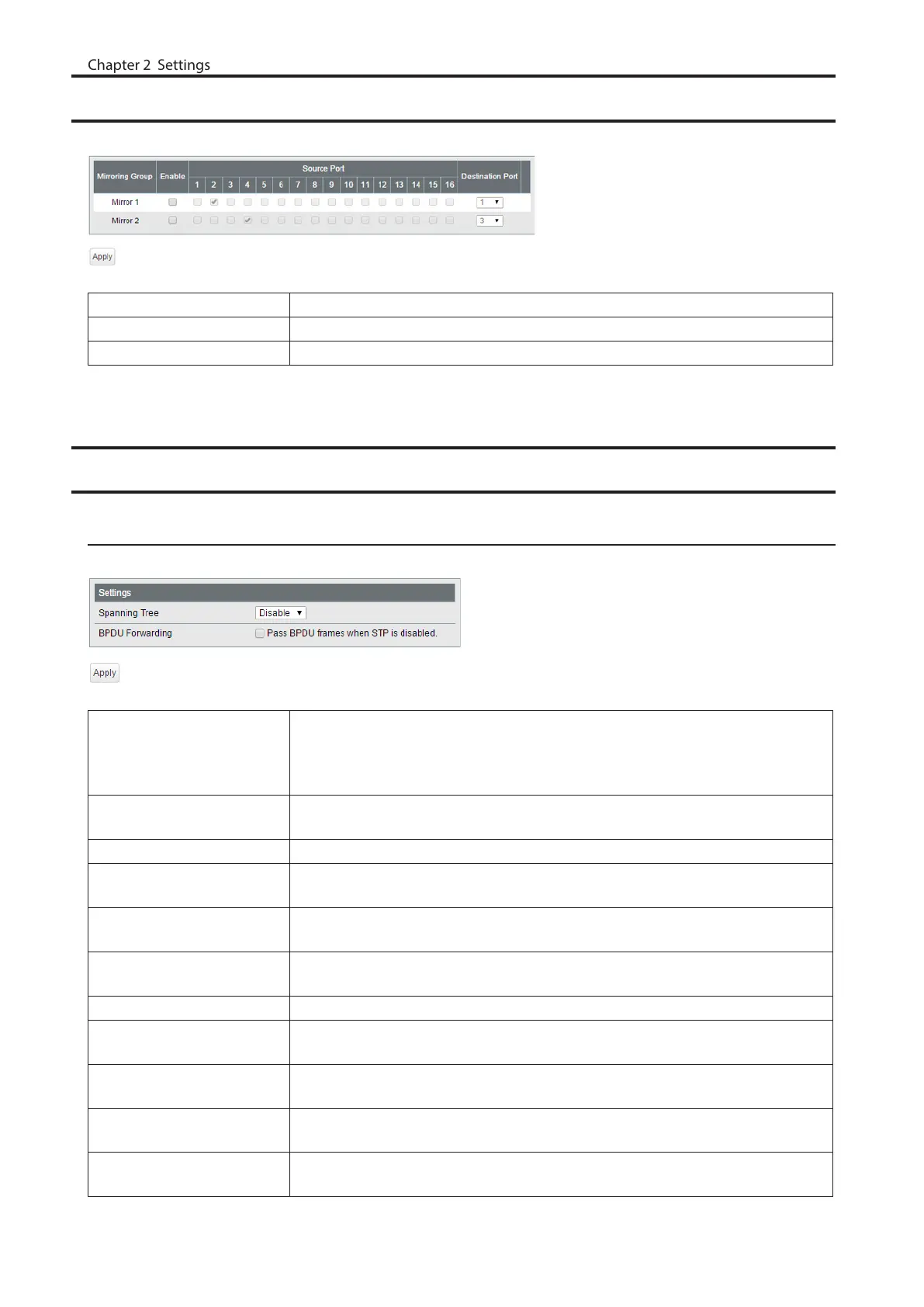
Mirroring
Configure to monitor the traffic (copy the contents of communication from source to destination).
Enable Check to enable mirroring.
Source Port Select ports to be monitored.
Destination Port Select ports to monitor the traffic.
Spanning Tree Protocol
STP Settings
Configure STP settings.
STP Version
Select a STP version from STP, RSTP or MSTP.
Note: MSTP cannot be enabled when LDF is enabled. To disable LDF, navigate to
[Advanced] - [Loop Prevention].
BPDU Forwarding
(Only when STP is disabled)
Enable to forward BPDU frames when STP is disabled.
Hello Time Enter the interval of BPDU transmission when this switch is the root bridge.
Max Age
Enter the maximum time that passes before trying to reconfigure when this
switch doesn’t receive BPDU.
Forward Delay
Enter the time spent in the status changes (listening-learning-forwarding) of the
switch before forwarding packets.
Max Hop Count
(MSTP only)
Specify the maximum hop count of BPDU.
Bridge Priority Enter the priority of this switch for selecting the root bridge.
MST Configuration Name
(MSTP only)
Enter an MST region name. The same name should be configured for all devices
that belong to the same region.
MST Revision Level
(MSTP only)
Configure MST revision. The same value should be configured for all devices that
belong to the same region.
Configuration Digest
(MSTP only)
Displays the MSTI status as MD5 digest message.
MSTI Settings
(MSTP only)
To add MSTI ID, enter the MSTI ID and bridge priority, select VLAN ID(s) to belong
to, then click [Add].
56



 To Next Page