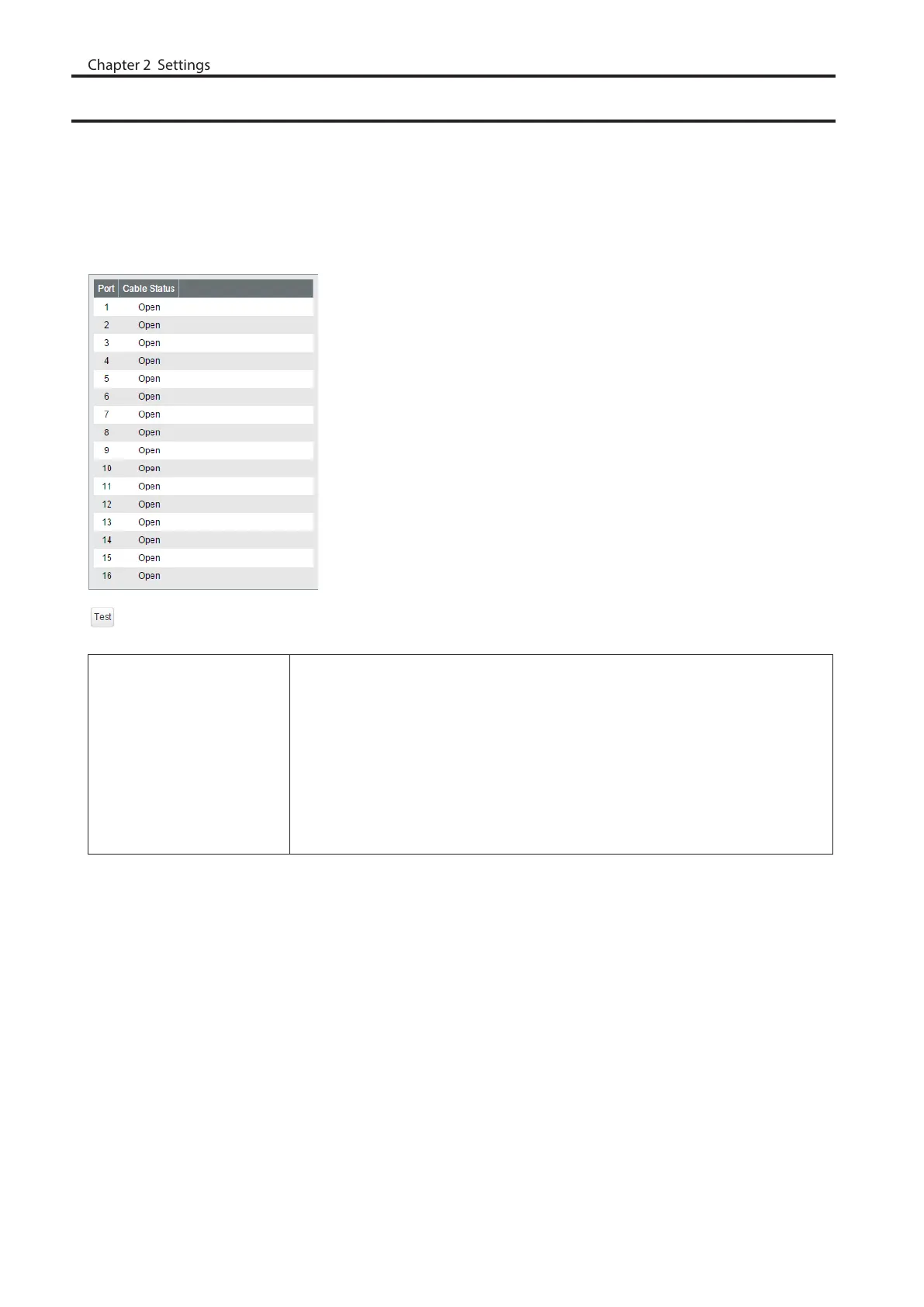
Cable Diagnostics
Click [Test] to check whether there are any issues with the Ethernet cable connected to each port.
To check the cable status correctly, configure the following to this switch and the destination device in advance;
• Autonegotiation: enabled
• IEEE 802.3az (EEE): disabled
• Auto power down (APD): disabled
Note: If the destination device is not a BS-GS series switch, the result may not appear correctly.
Cable Status
Displays the status of each Ethernet cable.
Open
Ethernet cable is not connected.
OK
Ethernet cable is connected without any issues.
Short
Ethernet cable may be shorting out.
Unknown
Cannot check the cable status.
79



 To Next Page