Change Username and Password
To change the default username and password from “admin” and “password”, refer to the following procedure.
1 Open Settings.
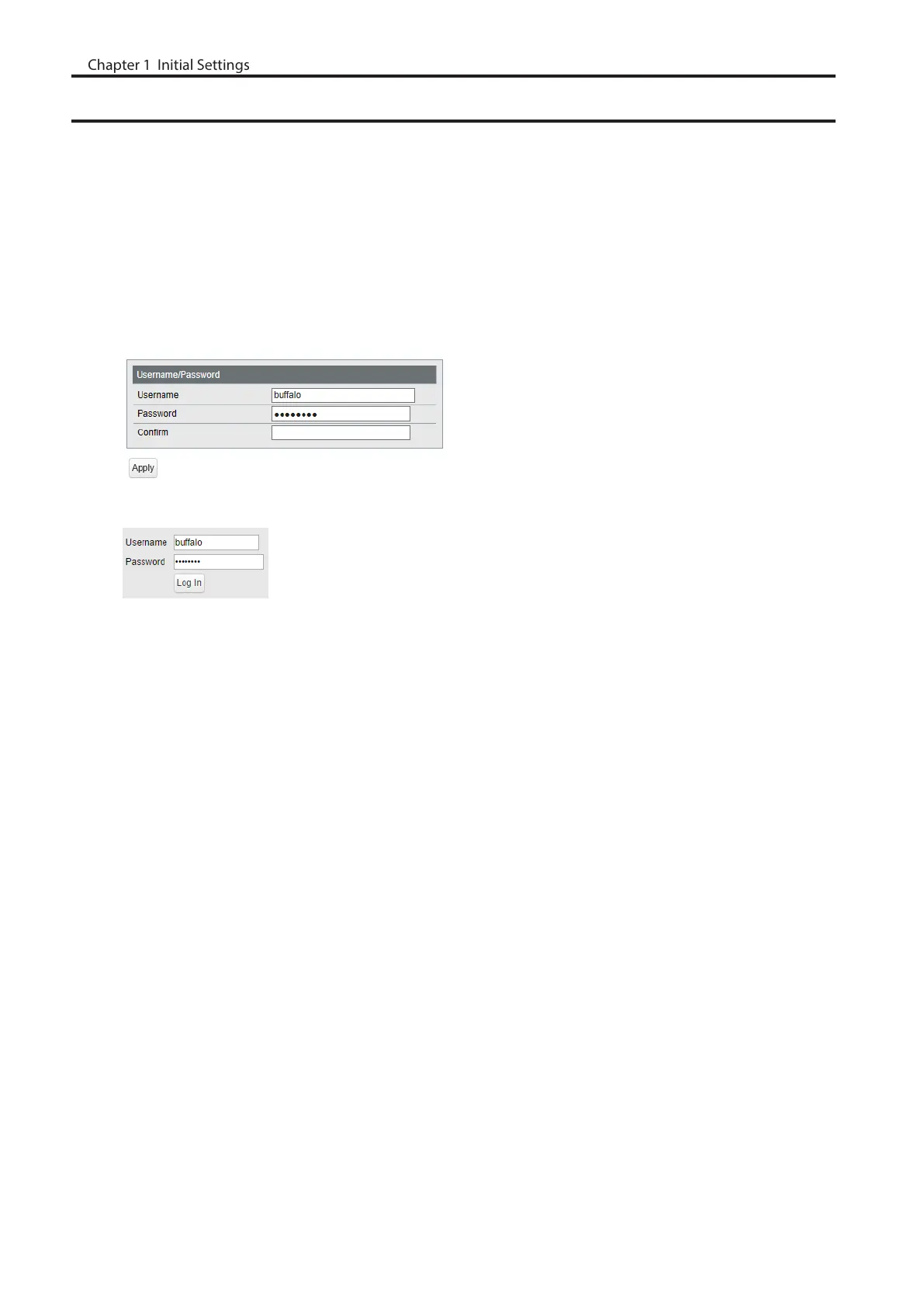
2 Navigate to [Basic] - [System Security] - [Administration Account].
3 Enter your new username and password (also fill the “Confirm” field), then click [Apply].
Notes:
• For the new username, you may enter up to 8 alphanumeric characters, hyphens (-), and underscores (_).
• For the new password, you may enter up to 32 alphanumeric characters, hyphens (-), and underscores (_).
4 Enter the new username and password, then click [Log In].
11
Chapter 1 Initial Settings



 To Next Page