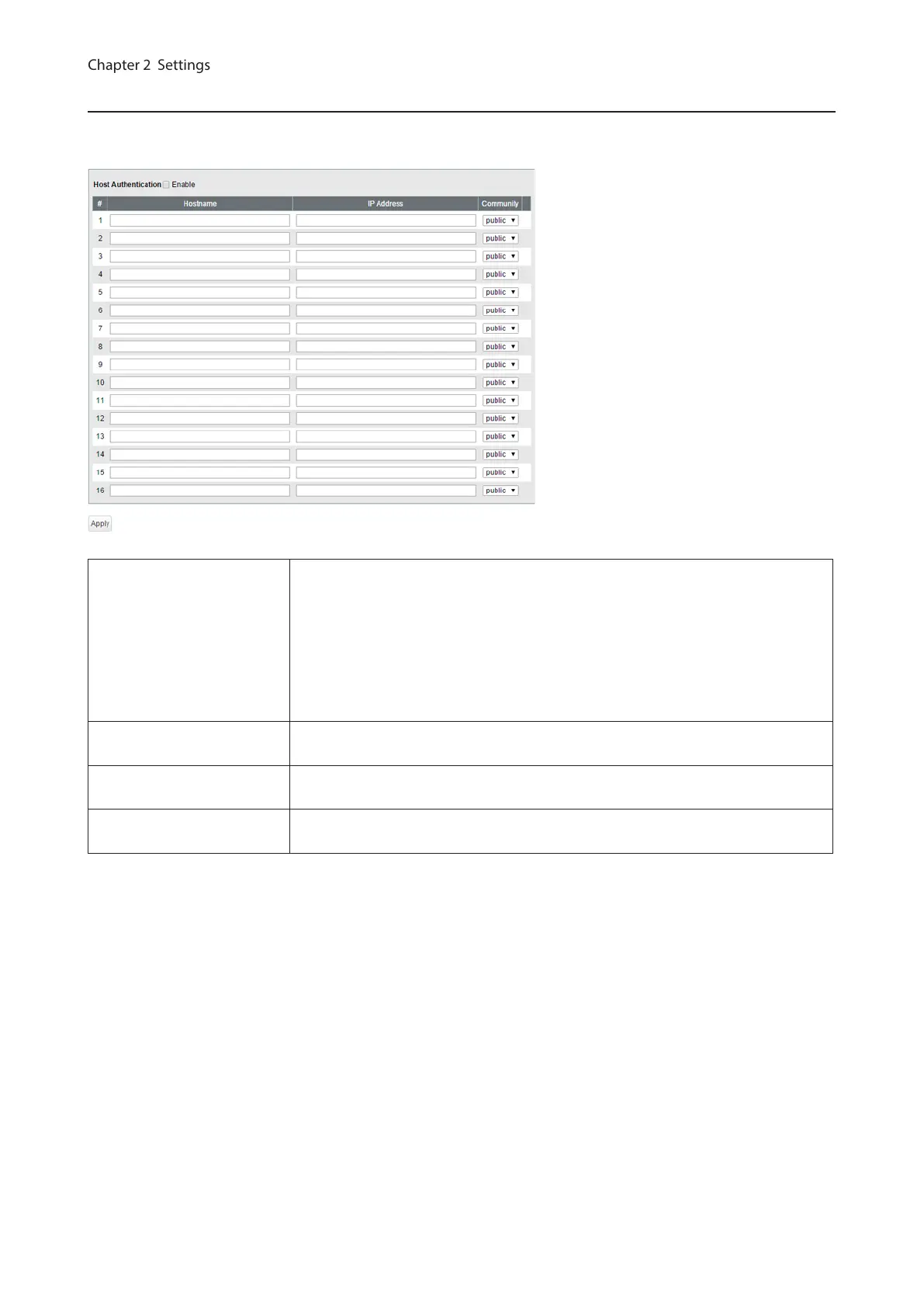
SNMP Host Table
Configure the SNMP host table.
Note: To delete the registered host, make “Hostname” and “IP Address” field blank and click [Apply].
Host Authentication
Enable/disable SNMP host authentication.
Enable
SNMP service will be provided from SNMP manager only. Read/write authority
depends on the community.
Disable
Receive SNMP requests from any hosts. Read/write authority depends on the
community.
Hostname
Enter a hostname to permit SNMP requests. You may enter 1-31 alphanumeric
characters, hyphens, and underscores.
IP Address
Enter an IPv4/IPv6 address of the host. To communicate with the host using an
IPv6 address, enable IPv6 in advance.
Community
Select the host’s community. Communities should be configured on the [SNMP
Community Table] page in advance.
23



 To Next Page