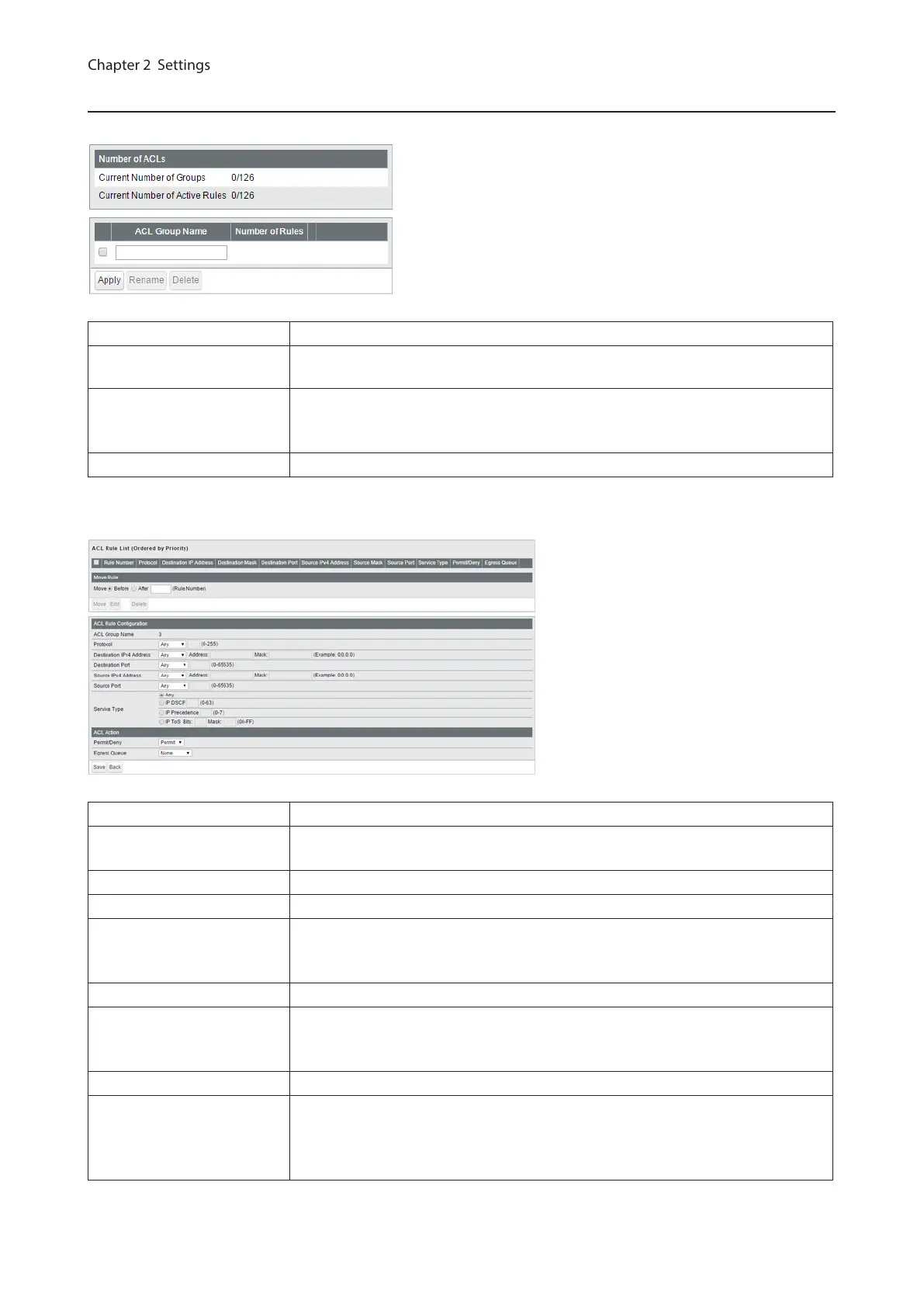
IPv4 ACL
Create IPv4 address-based ACLs.
Current Number of Groups Displays the number of ACL groups.
Current Number of Active
Rules
Displays the number of active rules for ACLs.
ACL Group Name
Displays the ACL group name. To create new ACLs, enter the group name and
click [Apply]. Click [Show Detail] to add rules to the ACL group. To change the
group name, select a group, enter the new name and click [Rename].
Number of Rules Displays the number of rules of each ACL group.
The following screen is displayed when [Show Detail] is clicked. Up to 10 rules can be configured per group.
ACL Rule List Displays the list of rules in the ACL group. Rules are listed in priority order.
Move Rule
Select a rule and enter the rule number that the selected rule moves to before (or
after). Select [Before] or [After] and click [Move] to change the priority of the rule.
ACL Group Name Displays the selected ACL group name.
Protocol Configure the filtering rule based on the packet’s protocol.
Destination IPv4 Address
Configure the filtering rule based on the frame’s destination IPv4 address. For
instructions on how to enter the address, refer to “About Address and Mask”
section below.
Destination Port Configure the filtering rule based on the frame’s destination port.
Source IPv4 Address
Configure the filtering rule based on the frame’s source IPv4 address. For
instructions on how to enter the address, refer to “About Address and Mask”
section below.
Source Port Configure the filtering rule based on the frame’s source port.
Service Type
Configure the filtering rule based on the frame’s service type.
If [IP DSCP] or [IP Precedence] is selected, only 1 value can be permitted or
denied. If [IP ToS] is selected, you can specify the range of values which is
permitted or denied. Refer to “About IP ToS Mask” section below for details.
65



 To Next Page