IPv6 Priority
Configure IPv6 address-based policies priority.
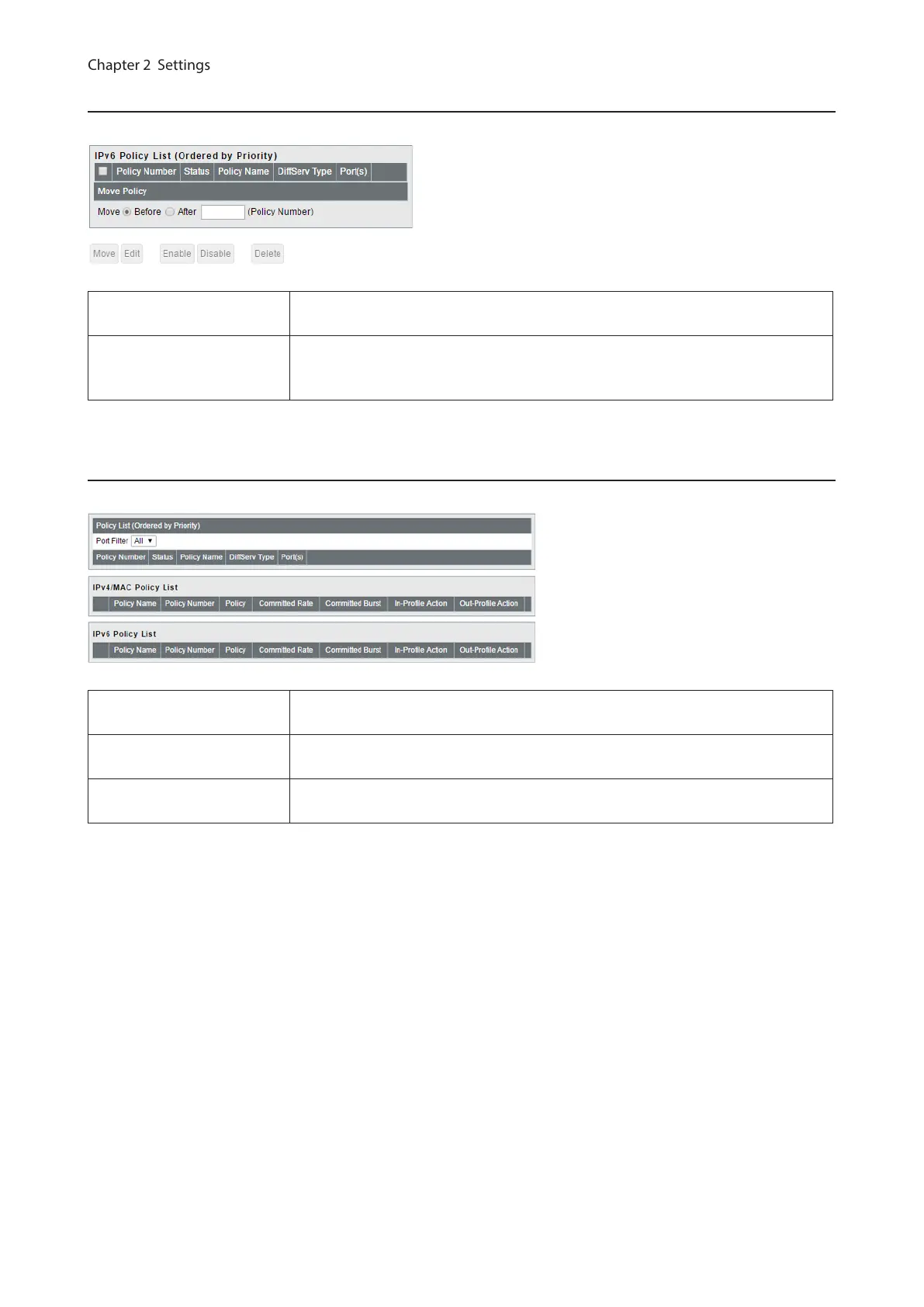
IPv6 Policy List
Displays the list of IPv6 address-based policies. Policies are listed in order of the
priority.
Move Policy
Select a policy and enter the policy number that the selected policy moves to
before (or after). Select [Before] or [After] and click [Move] to change the priority
of the policy.
Status
Displays the DiffServ status.
Policy List
Displays the list of policies. Policies are listed in order of the priority. Select a port
from [Port Filter] to display only the policies that the selected port belongs to.
IPv4/MAC Policy List
Displays the list of IPv4 and MAC address-based policies. Click [+] next to a policy
to show its conditions. Conditions are listed in order of the priority.
IPv6 Policy List
Displays the list of IPv6 address-based policies. Click [+] next to a policy to show
its conditions. Conditions are listed in order of the priority.
47



 To Next Page