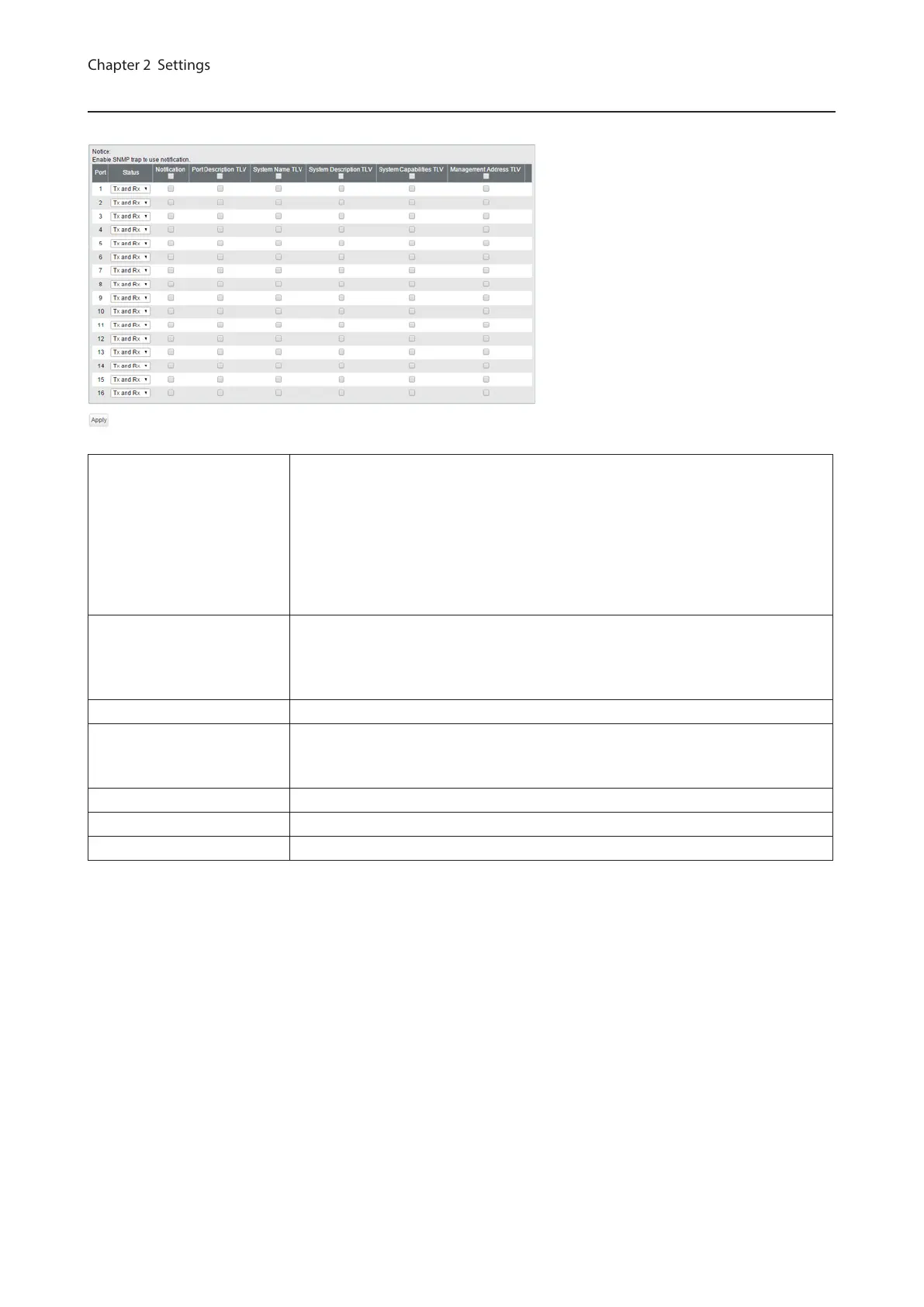
LLDP Port
Configure LLDP for each port.
Status
Disable
Disable LLDP.
Tx Only
Enable transmitting LLDP packets only.
Rx Only
Enable receiving LLDP packets only.
Tx and Rx
Enable transmitting and receiving LLDP packets.
Notification
If enabled, SNMP traps will be sent to the SNMP server when the neighbor table is
updated.
Note: To use notification, configure SNMP manager and SNMP trap settings.
Port Description TLV If enabled, the port information (port number) will be included in LLDP packets.
System Name TLV
If enabled, the switch name will be included in LLDP packets.
Note: The switch name can be configured on the [Basic] - [System] page.
System Description TLV If enabled, the product name will be included in LLDP packets.
System Capabilities TLV If enabled, the system capabilities will be included in LLDP packets.
Management Address TLV If enabled, the switch’s IP address will be included in LLDP packets.
27



 To Next Page