Port Authentication
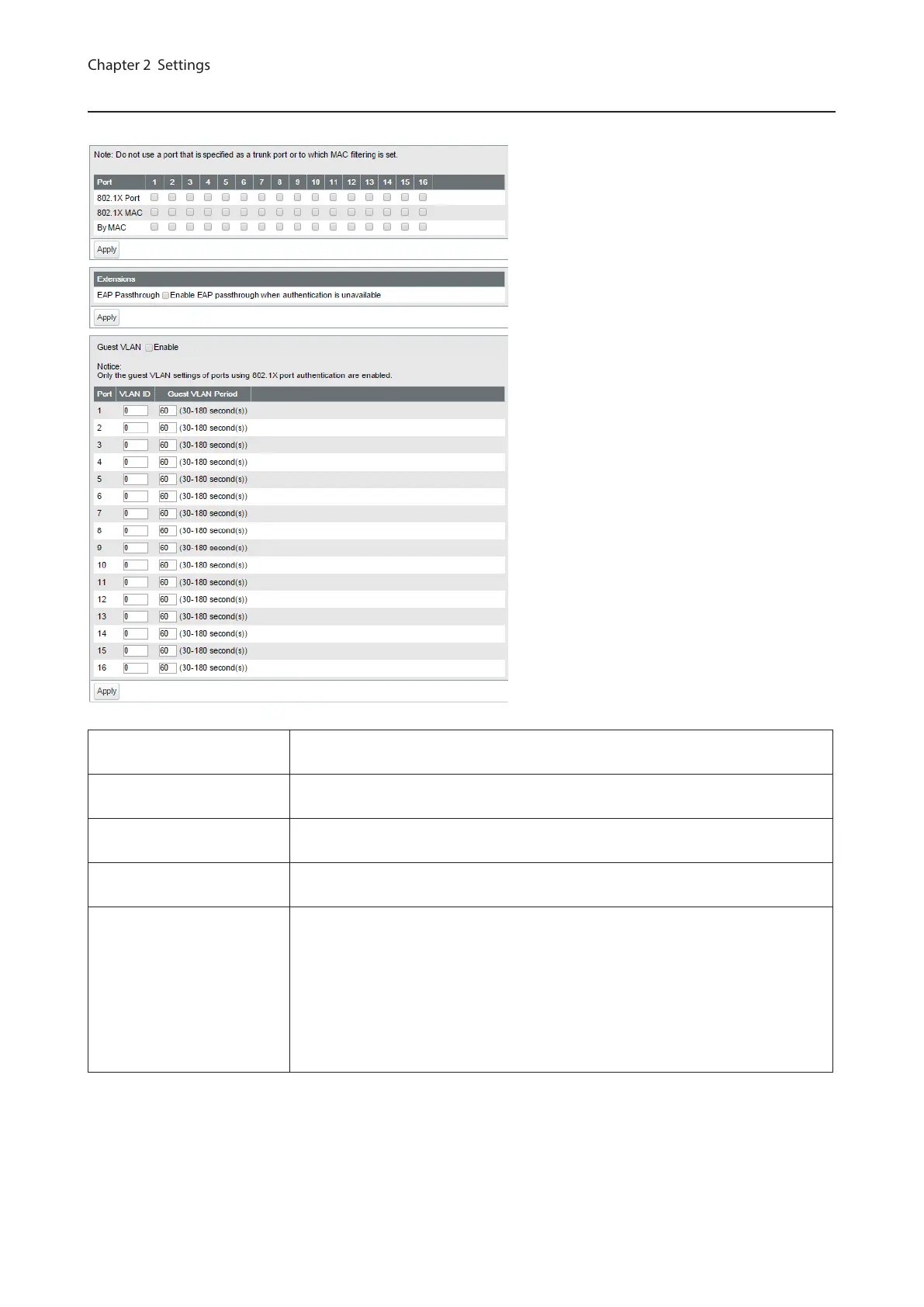
Configure authentication settings for each port. Prepare an authentication server (RADIUS server) separately.
802.1X Port
Authenticate 802.1X based on the port. All devices connected to the port can
communicate after the authentication.
802.1X MAC
Authenticate 802.1X based on the MAC address. Only the authenticated devices
can communicate. Up to 12 MAC addresses can be authenticated per port.
By MAC
Enables MAC authentication. Up to 12 MAC addresses can be authenticated per
port.
EAP Passthrough
If the authentication of all ports is disabled or received EAP frames should be
transmitted, enable this.
Guest VLAN
Click “Enable” to enable guest VLAN functionality. Enter each port’s guest VLAN
period and the VLAN ID to be assigned to users who could not be authenticated
by the time the guest VLAN period expires.
Notes:
• Only the guest VLAN settings of ports using 802.1X port authentication are
enabled.
• If the port’s guest VLAN ID is “0”, guest VLAN of that port is disabled.
53



 To Next Page