Select Profile
Select a method of specifying the profile. “Copy profile from a different day”
cannot be selected when “Day of week and time” is selected as the timetable
type.
Profile
Select a profile name if “Use profile below” is selected as the method of specifying
the profile. Click [Check] to confirm each profile’s settings.
Use profile from
Select a day of week to copy the profile if “Copy profile from a different day” is
selected as the method of specifying the profile.
Schedule Displays the list of configured schedule.
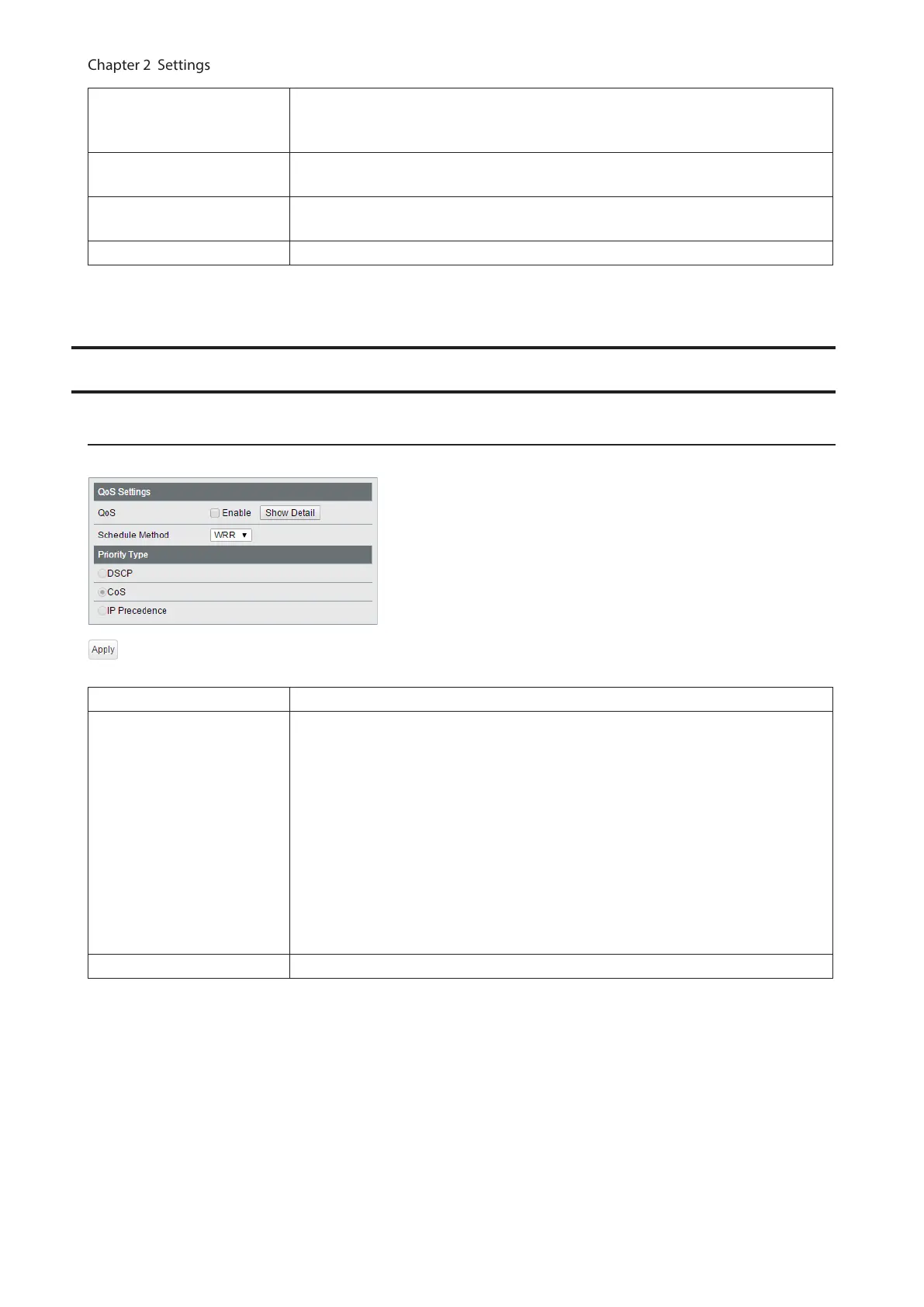
QoS
QoS Settings
Configure the priority.
QoS Check to enable QoS. Click [Show Detail] to enable/disable QoS for each port.
Schedule Method
Configure the queue scheduling type.
Strict
Execute the queue scheduling based on strict priority. High-prioritized queues
are always forwarded strictly; low-prioritized queue will never be forwarded if any
data remains in the high prioritized queue.
WRR
Execute the queue scheduling based on WRR (Weighted Round Robin). This will
forward queues in order of a round robin; even lower priority queues will be
forwarded at a constant rate. The priority can be specified from 0 (lowest) to 7
(highest).
Note: Packets without VLAN tag will belong to the lowest priority queue.
Priority Type Select a priority parameter from DSCP, CoS, and IP precedence.
39



 To Next Page