Neighbor Table
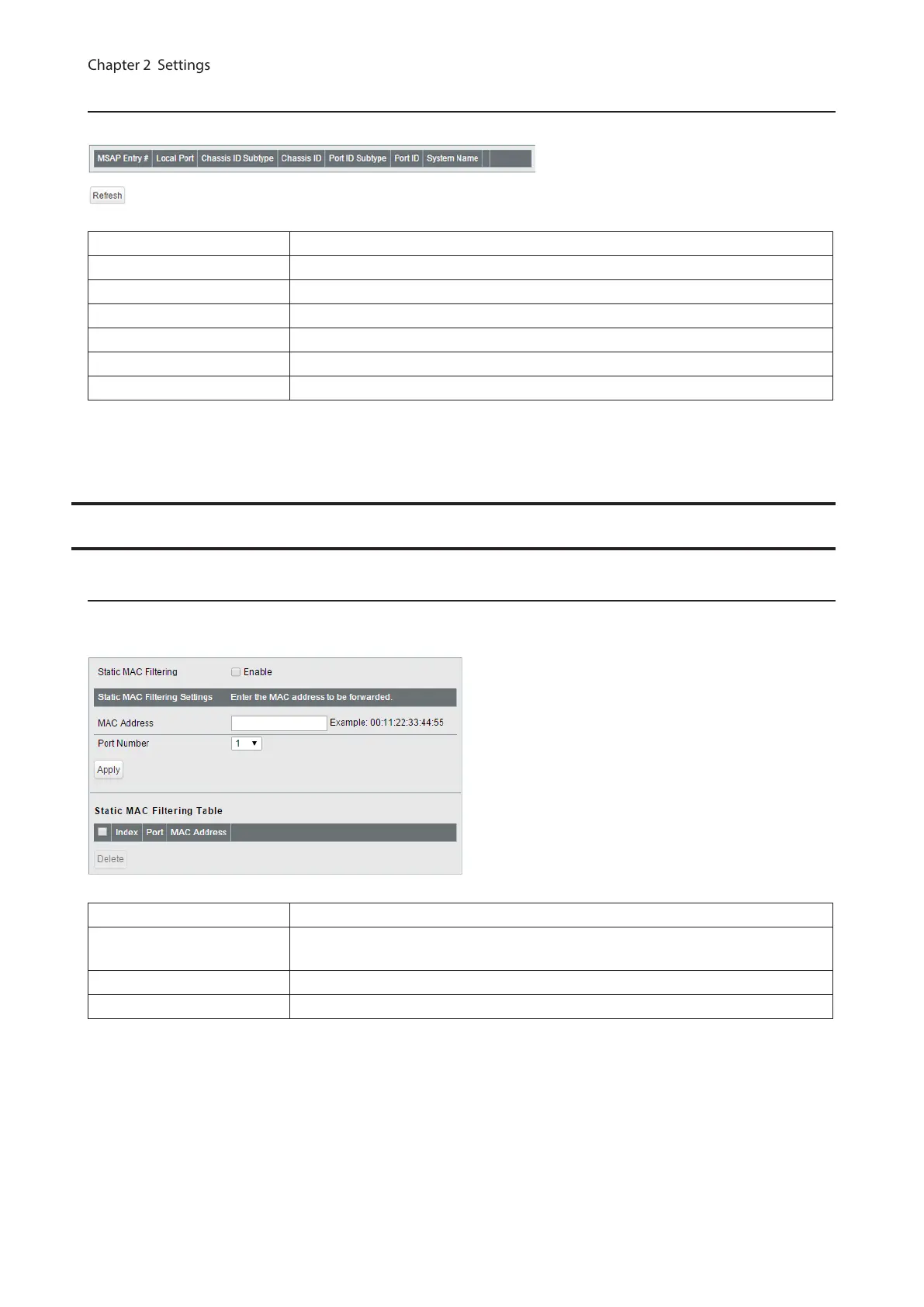
Displays the information of the LLDP-compatible devices connected to the switch.
MSAP Entry # Displays the entry number of the detected devices.
Local Port Displays port number that the detected devices are connected to.
Chassis ID Subtype Displays the chassis ID subtype of the detected devices.
Chassis ID Displays the chassis ID of the detected devices.
Port ID Subtype Displays the port ID subtype of the detected devices.
Port ID Displays the port ID of the detected devices.
System Name Displays the system name of the detected devices.
Note: To use this functionality, configure the status to [Rx Only] or [Tx and Rx] on the [Basic] - [LLDP] - [LLDP Port]
page.
MAC Addresses
Static MAC Filtering
Configure the filtering of MAC addresses that are registered manually. Only the frames with the registered MAC
address as a source MAC address can pass through the ports that the MAC address is registered to.
Static MAC Filtering Check “Enable” to enable static MAC filtering.
MAC Address
Enter the MAC address you want to filter. (Example: 00:11:22:aa:bb:cc)
Up to 16 addresses can be registered per port.
Port Number Select a port to apply the static MAC filter.
Static MAC Filtering Table Displays the registered MAC addresses and port numbers.
Note: This function is not compatible with multicast MAC addresses, VRRP MAC addresses (00:00:5E:00:01:XX), and
broadcast MAC addresses.
29



 To Next Page