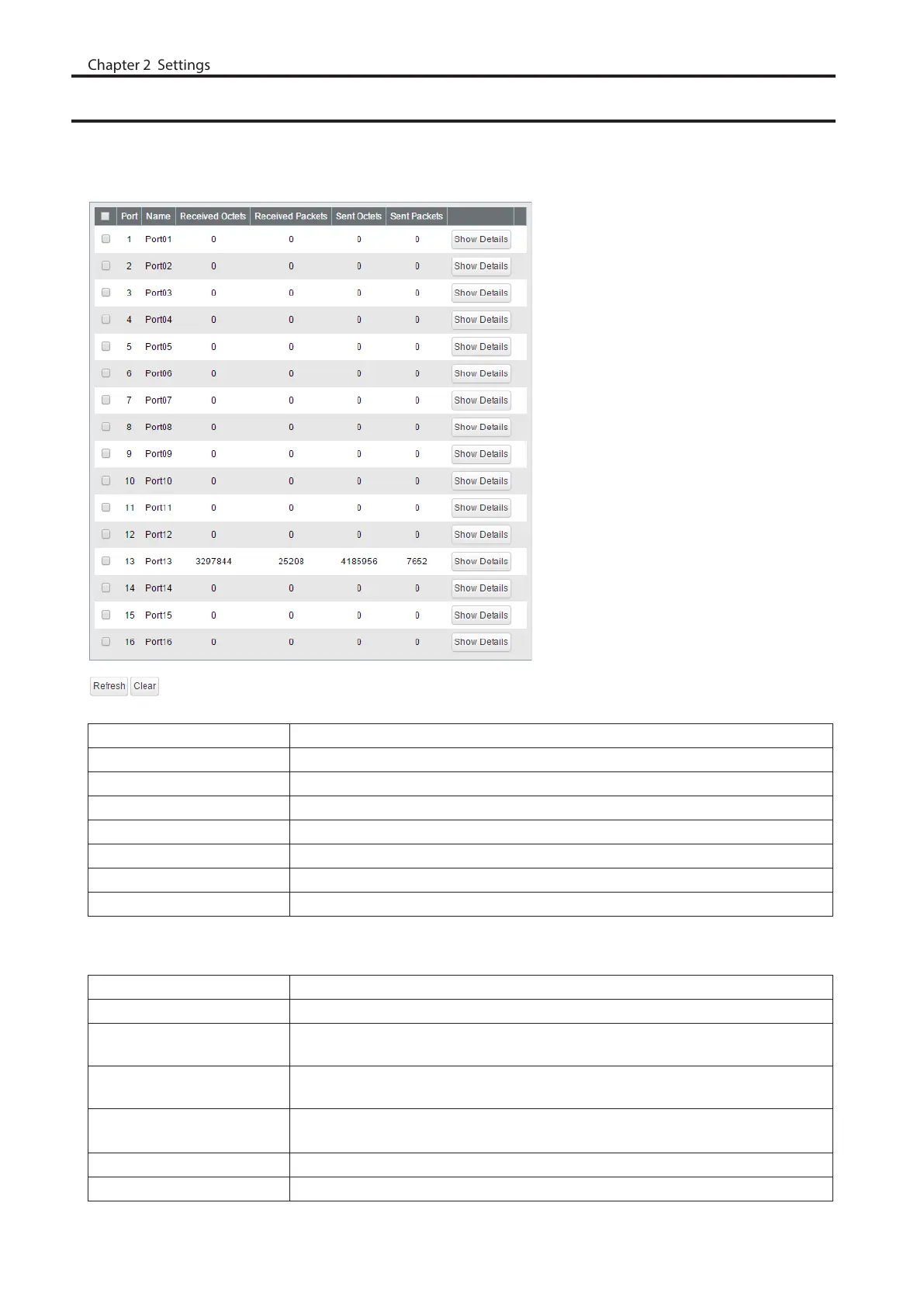
Statistics
Displays the switch’s statistics.
Note: Each maximum value is 4,294,967,295. If this is reached or exceeded, the value will reset to 0. Rebooting the
switch will also reset the value to 0.
Name Displays the port name.
Received Octets Displays the number of total received octets.
Received Packets Displays the number of total received packets.
Sent Octets Displays the number of total sent octets.
Sent Packets Displays the number of total sent packets.
Show Details Click to display the detailed information.
Port Statistics Displays the number of total received/sent packets of the selected port.
EAP Statistics Displays the number of total received/sent EAP packets of the selected port.
The following items appear when [Show Detail] is clicked.
Received Octets Displays the number of total received octets.
Received Unicast Packets Displays the number of received unicast packets.
Received Multicast
Packets
Displays the number of received multicast packets.
Received Broadcast
Packets
Displays the number of received broadcast packets.
Discarded Received
Packets
Displays the number of packets that the switch received but did not forwarded to
any port.
Received Packet Error Displays the number of packets that was discarded because of FCS error.
Sent Octets Displays the number of total sent octets.
76



 To Next Page