System
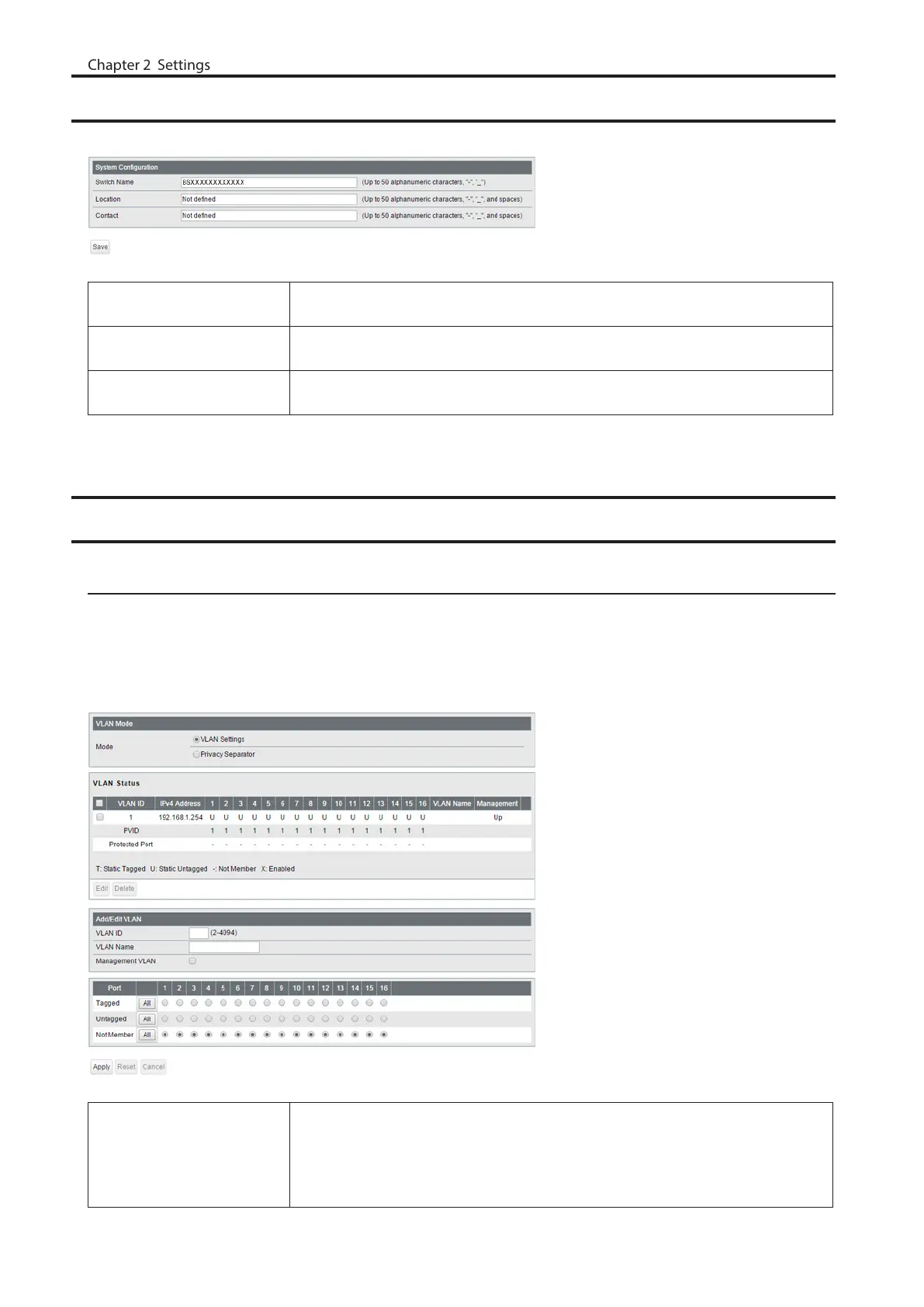
Configure the switch’s name, location, and contact.
Switch Name
Enter the switch’s name. You may enter up to 50 alphanumeric characters,
hyphens, and underscores.
Location
Enter the location of the switch. You may enter up to 50 alphanumeric characters,
hyphens, underscores, and spaces.
Contact
Enter the contact information of the switch. You may enter up to 50 alphanumeric
characters, hyphens, underscores, and spaces.
VLAN
VLAN Settings
Confirm VLAN status and configure new VLAN. The switch’s IP address, default gateway, and DNS server can also be
configured on this page.
In L2 mode
Mode
Select a VLAN mode from “VLAN Settings” or “Privacy Separator”. Privacy separator
is a mode that enables communication to the router from a port but blocks
communication between ports.
Note: VLAN and privacy separator cannot be used at the same time.
16



 To Next Page