ACL
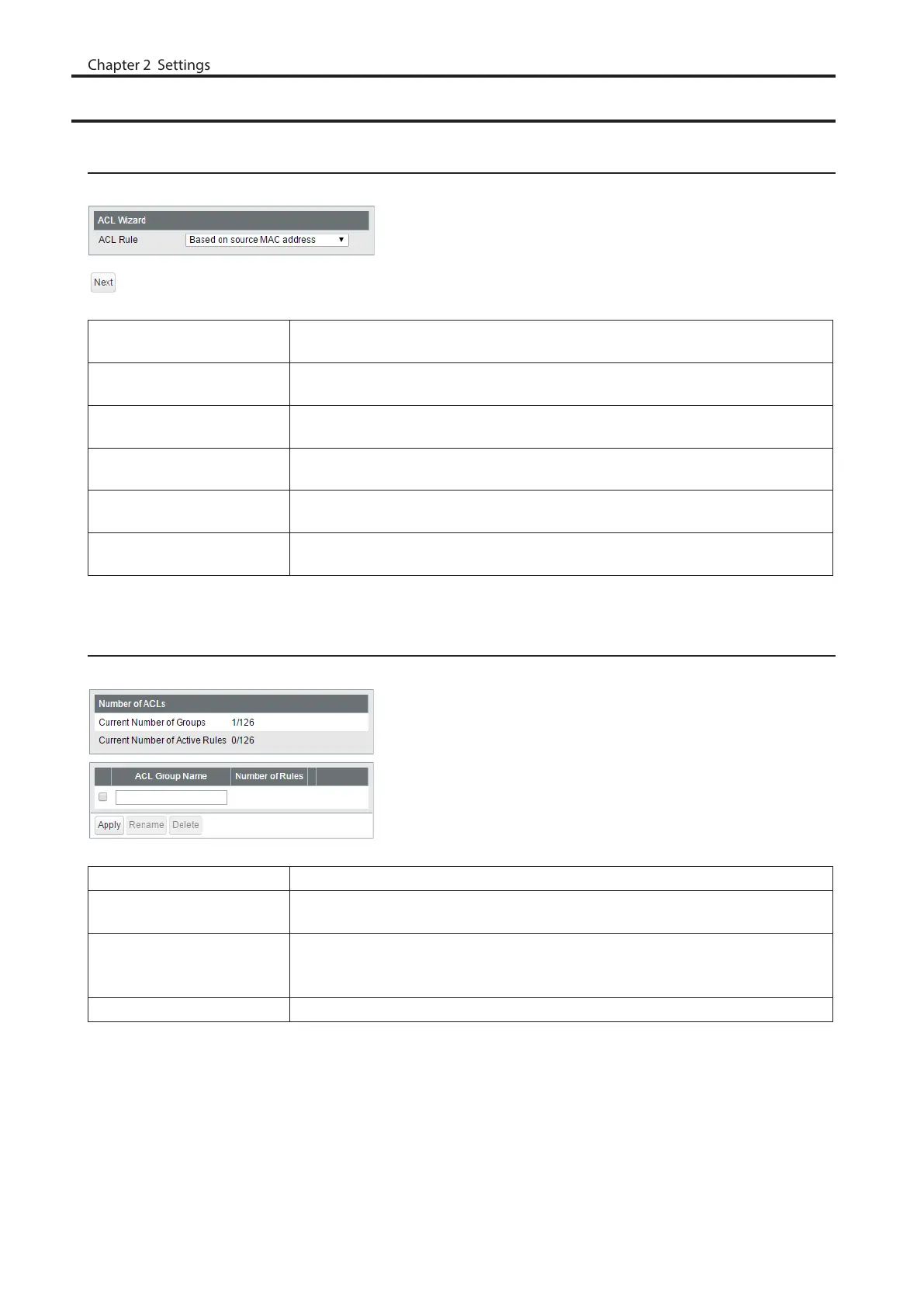
ACL Wizard
Configure ACLs with the wizard. Follow the directions on the screen.
Based on source MAC
address
Configure to permit or deny the specified source MAC address.
Based on destination MAC
address
Configure to permit or deny the specified destination MAC address.
Based on source IPv4
address
Configure to permit or deny the specified source IPv4 address.
Based on destination IPv4
address
Configure to permit or deny the specified destination IPv4 address.
Based on source IPv6
address
Configure to permit or deny the specified source IPv6 address.
Based on destination IPv6
address
Configure to permit or deny the specified destination IPv6 address.
MAC ACL
Create MAC address-based ACLs.
Current Number of Groups Displays the number of ACL groups.
Current Number of Active
Rules
Displays the number of active rules for ACLs.
ACL Group Name
Displays the ACL group name. To create new ACLs, enter the group name and
click [Apply]. Click [Show Detail] to add rules to the ACL group. To change the
group name, select a group, enter the new name and click [Rename].
Number of Rules Displays the number of rules of each ACL group.
63



 To Next Page