Initialize
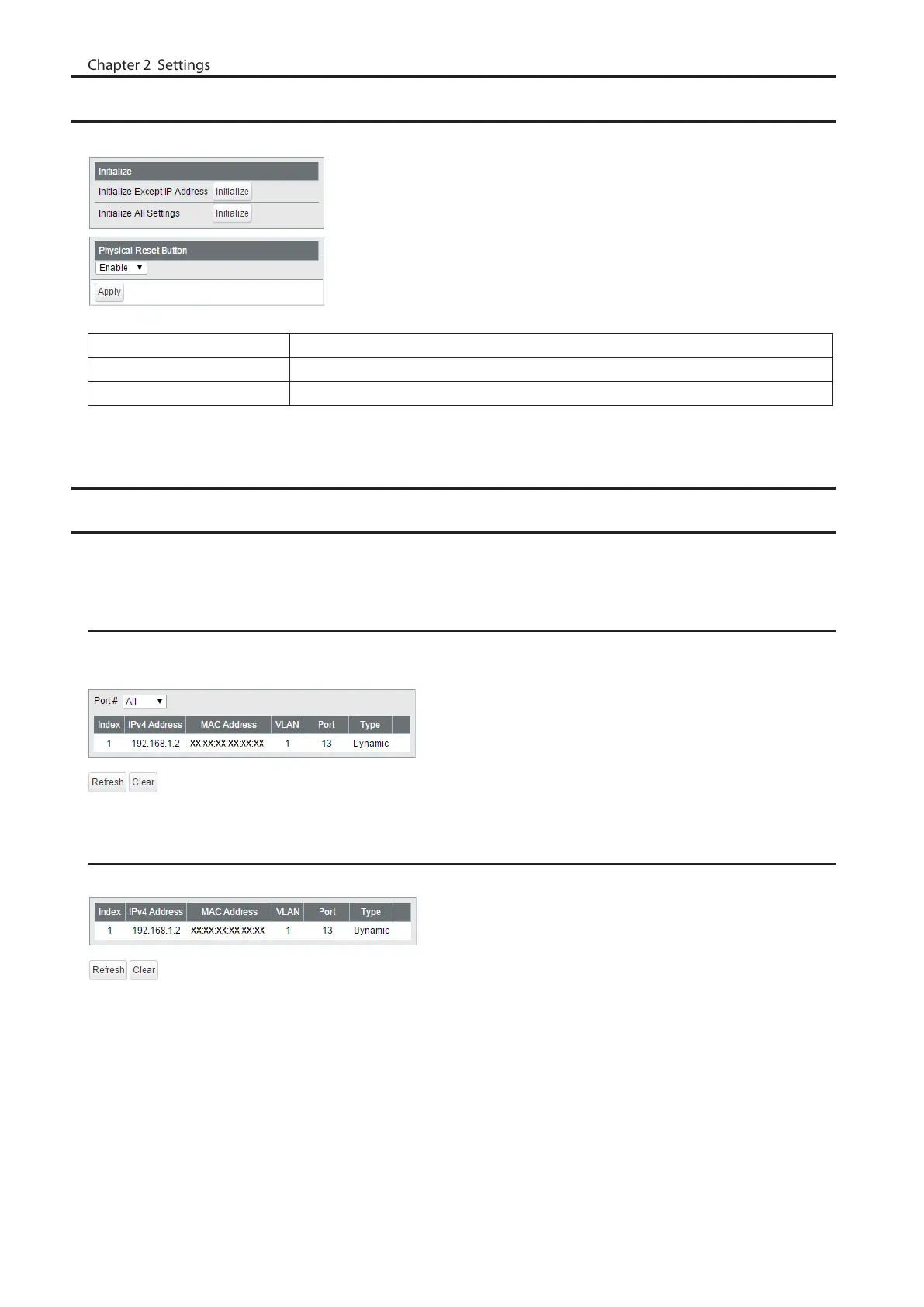
Restore the switch settings to the factory default.
Initialize Except IP Address Click [Initialize] to initialize all settings except the switch’s IPv4/IPv6 address.
Initialize All Settings Click [Initialize] to initialize all switch settings.
Physical Reset Button Enable or disable the reset button on the switch.
ARP Table
Displayed only when the switch is in L3 mode. ARP table can record up to 510 devices.
Port Order
Displays the IP addresses and the MAC addresses of the connected devices with the port order. Select a port from
the dropdown menu to display the devices that is connected to the selected port.
IP Address Order
Displays the IP addresses and the MAC addresses of the connected devices with the IP address order.
74



 To Next Page