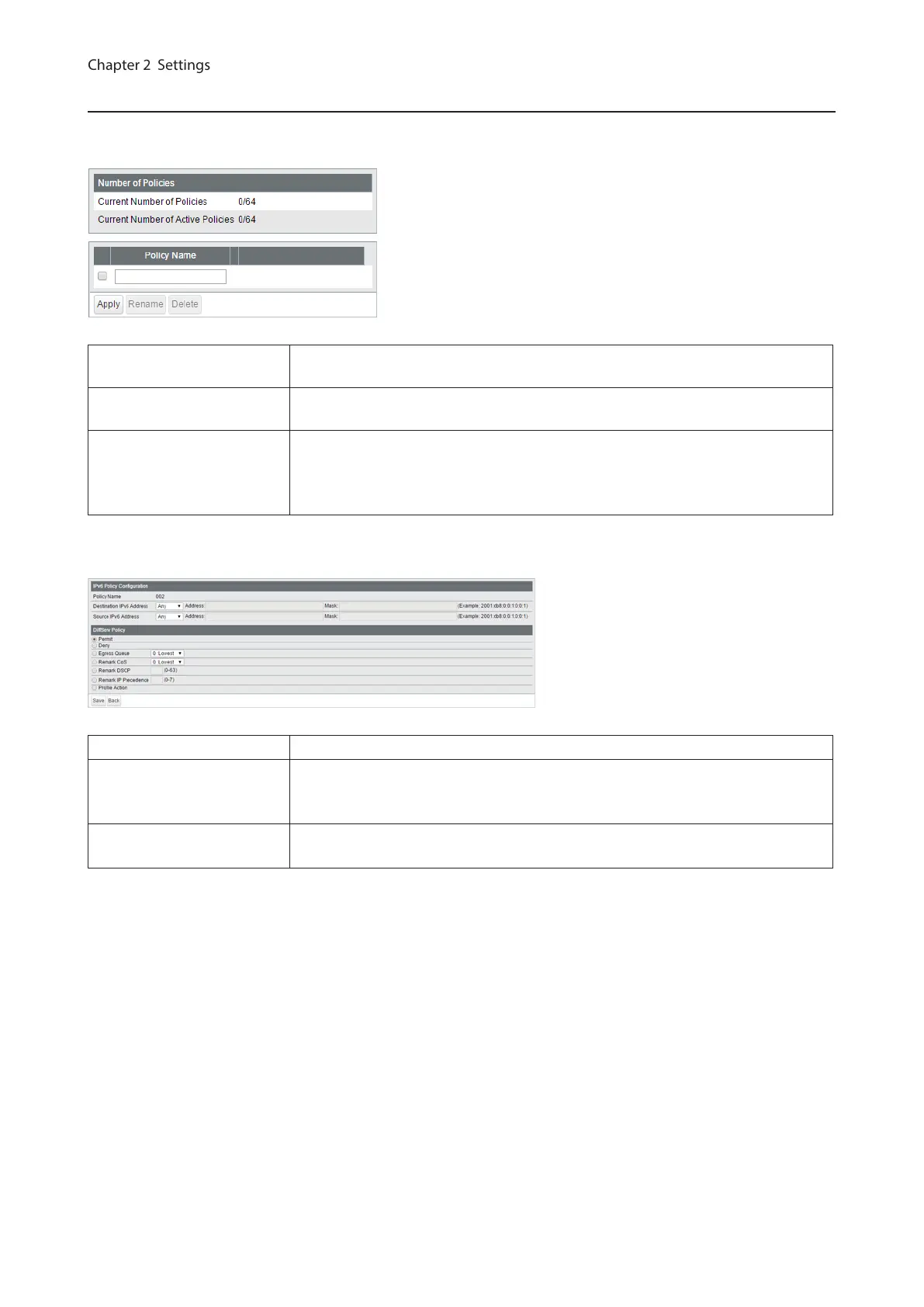
IPv6 Policy
Create DiffServ policies. IPv6 addresses can be specified here. The enabled policies will be applied when the packet
or frame enters the switch.
Current Number of
Policies
Displays the number of created policies.
Current Number of Active
Policies
Displays the number of active policies.
Policy Name
Enter the policy name into the blank field and click [Apply] to create a new policy.
Click [Show Detail] to configure the policy in detail.
Check the created policy name, enter the new name and click [Rename] to
rename the policy.
The following screen appears when [Show Detail] is clicked.
Policy Name Displays the selected policy name.
Destination IPv6 Address
Adds the packet’s destination IPv6 address to the policy condition. For
instructions on how to enter the address, refer to “About Address and Mask”
section below.
Source IPv6 Address
Adds the packet’s source IPv6 address to the policy condition. For instructions on
how to enter the address, refer to “About Address and Mask” section below.
44



 To Next Page