Static Routing Table
Setting
Add the static routing setting to the table by entering the following items. Up to
32 static routes can be created.
Network
Enter the IP address of the network that you need to configure the static routing
for.
Subnet Mask
Enter the subnet mask of the network.
Gateway
Enter the IP address of the gateway to reach the specified network.
Static Routing Table Displays the static routing information.
SNMP Settings
To use SNMP, SNMP monitoring software is needed.
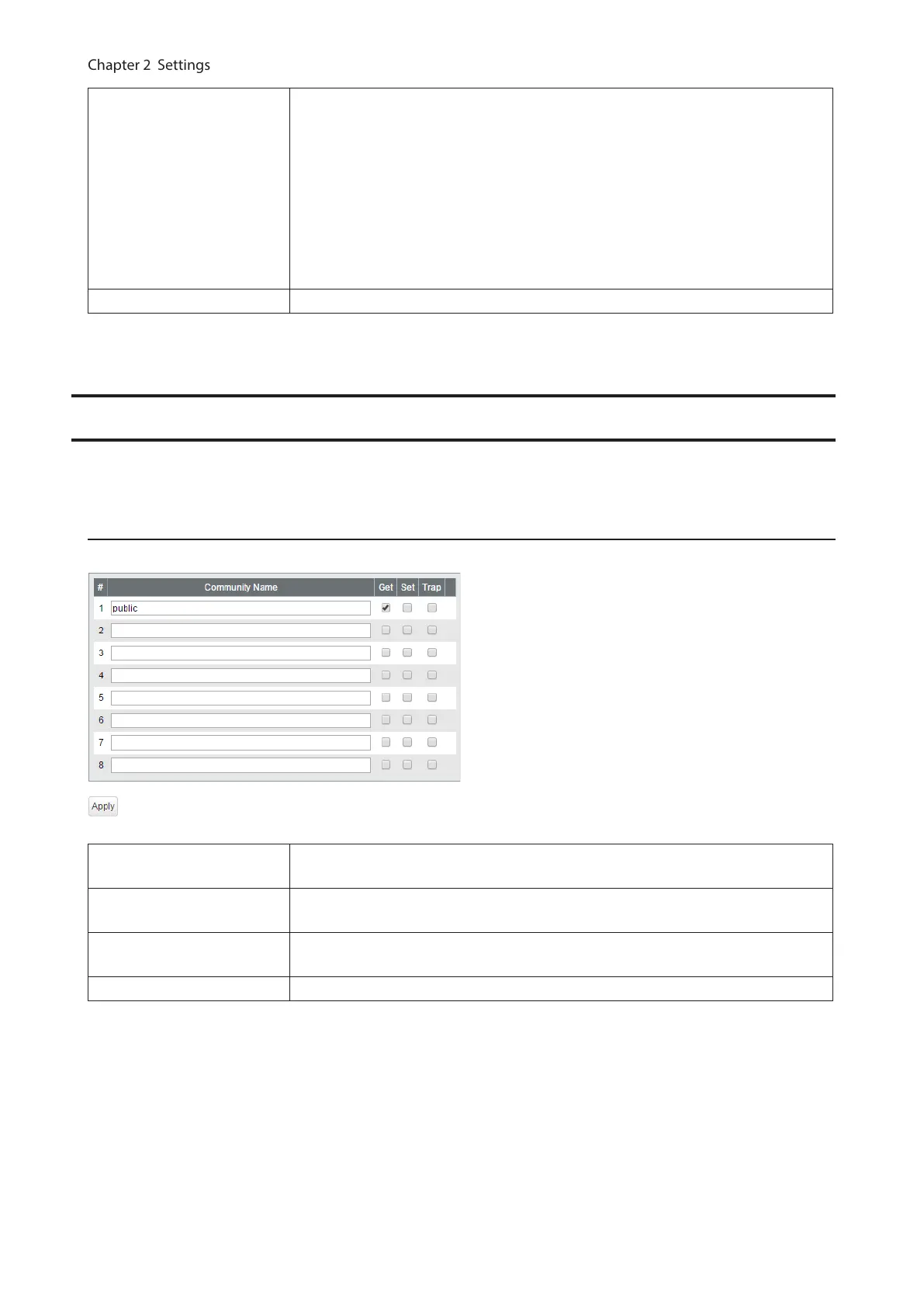
SNMP Community Table
Configure SNMP community table.
Community Name
Enter the community name. You may enter up to 31 alphanumeric characters,
hyphens, and underscores.
Get
If checked, community members are allowed to read the switch’s SNMP
information.
Set
If checked, community members are allowed to write the switch’s SNMP
information.
Trap If checked, communication members can receive SNMP traps.
22



 To Next Page