Notes:
• Switching to the lower version image (older version firmware) may delete some settings.
• If switching the firmware to version 1.0.3.32 or earlier, the Settings username and password may be changed
unintentionally. For more detailed information, refer to the “Restrictions” section in appendix A.
Back Up and Restore Settings
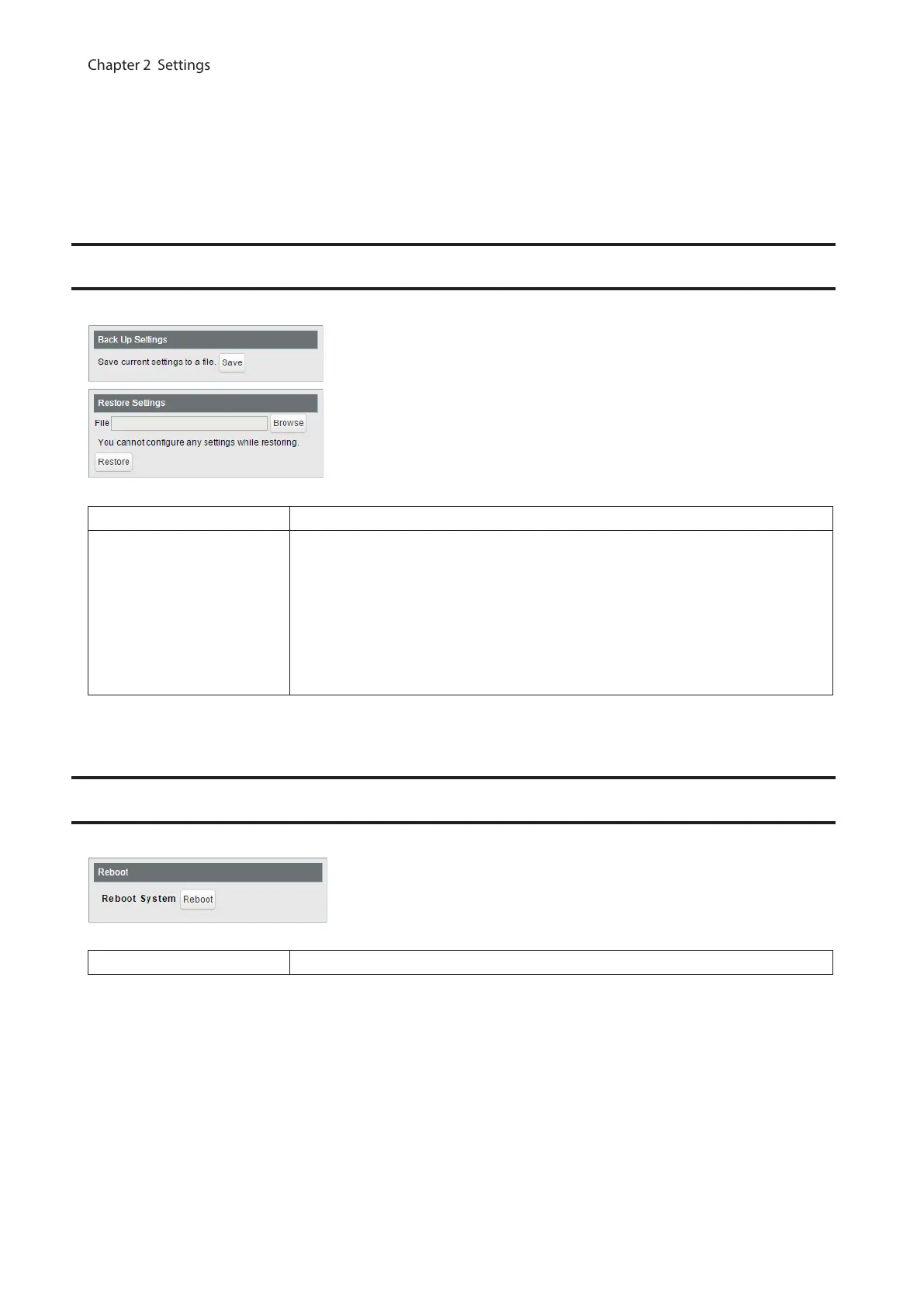
Save or restore the switch’s settings.
Back Up Settings Click [Save] to save current settings to a file.
Restore Settings
Click [Browse] to select a settings file and click [Restore] to start restoring.
Notes:
• To finish restoring, reboot the switch.
• If restoring the switch’s Settings from a Settings file while the switch is running
firmware version 1.0.3.32 or earlier, the Settings username and password
may be changed unintentionally. For more detailed information, refer to the
“Restrictions” section in appendix A.
Reboot
Reboot the switch.
Reboot Click [Reboot] to reboot the switch.
73



 To Next Page