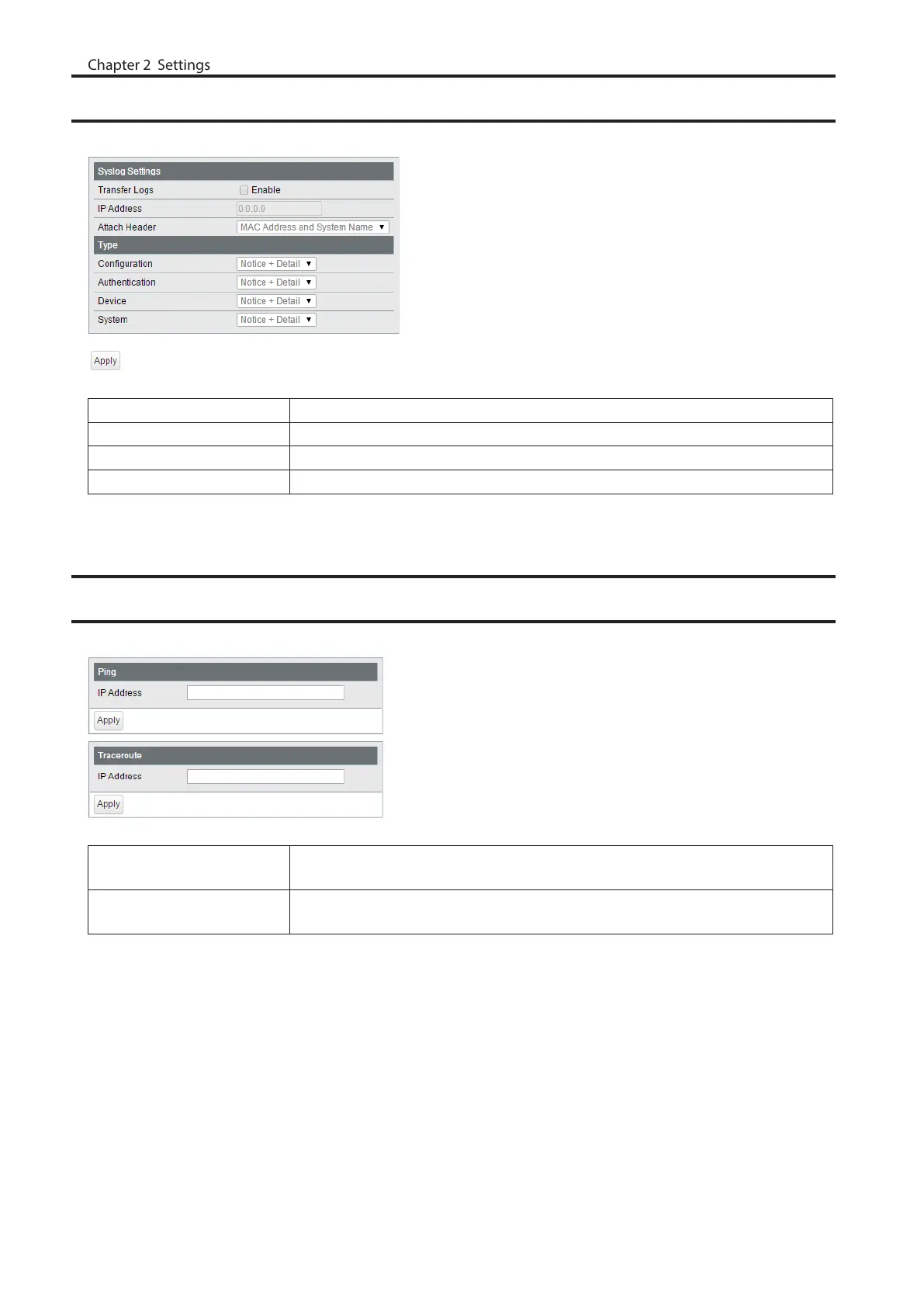
Syslog Settings
Configure syslog to transfer logs.
Transfer Logs Check to enable syslog server.
IP Address Enter the syslog server’s IP address.
Attach Header Select an item to attach to the header of the transmitted data.
Type Select a type of log to transfer.
Network Diagnostics
Execute a communication test to the specified IP address.
Ping
Enter the IPv4/IPv6 address or FQDN and click [Apply] to execute a ping test to
the destination.
Traceroute
Enter the IPv4 address or FQDN and click [Apply] to execute a traceroute test to
the destination.
To enter the FQDN, configure DNS server settings on [Basic] - [VLAN] - [VLAN Settings] page in advance.
78



 To Next Page