Notes:
• 8 groups can be created in total between LACP and manual creation. Up to 8 port can be set to a group.
• The ports in the same trunk group should belong to the same VLAN.
• If you construct the trunk group using LACP, the opposing switch can set the LACP to both active and passive.
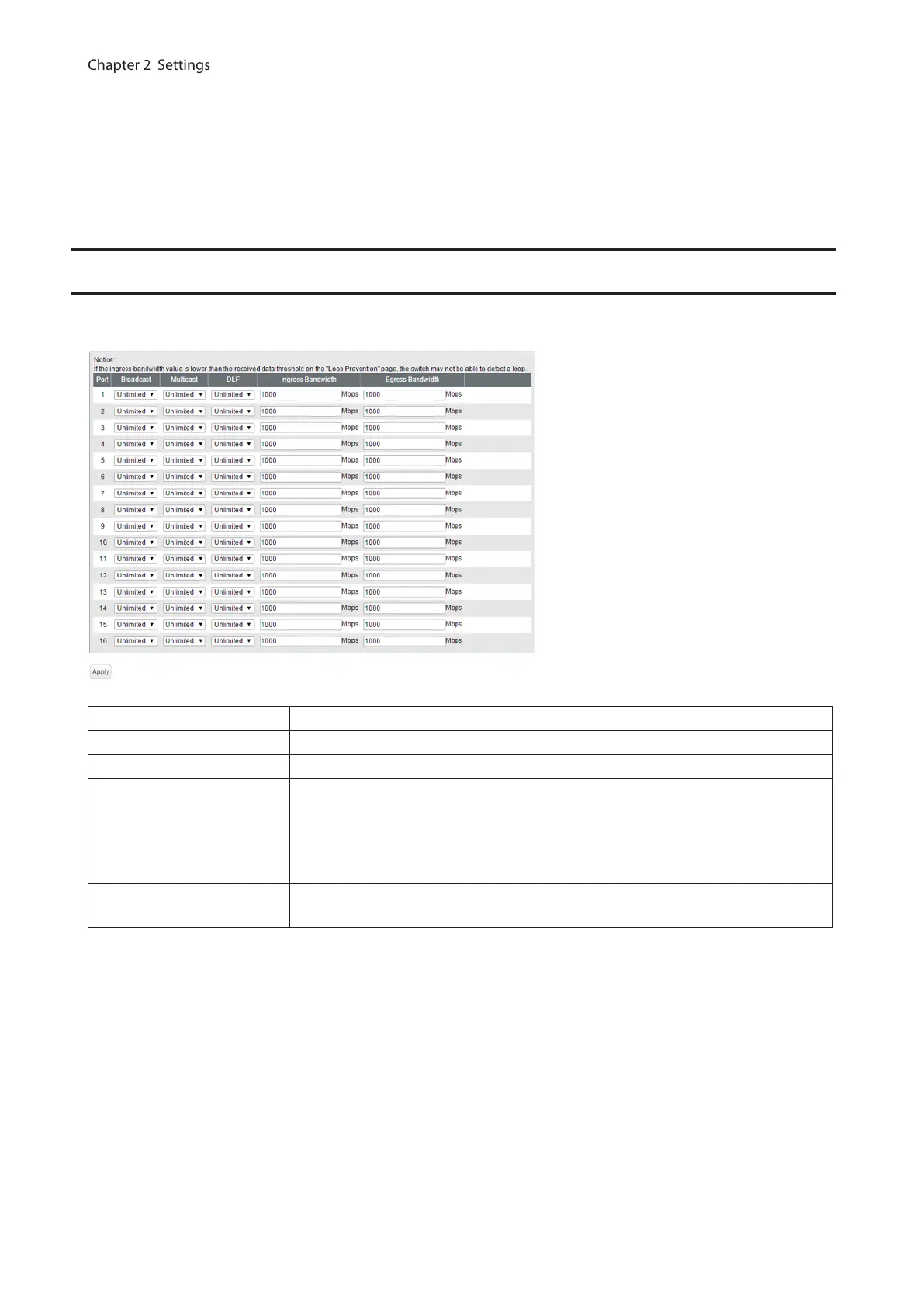
Traffic Control
Configure storm settings. If each packet exceeds the threshold configured on this page, exceeded packets will be
dropped.
Broadcast Select a rate to allow passing broadcasts.
Multicast Select a rate to allow passing multicasts.
DLF Select a rate to allow passing DLF (destination lookup failure) unicasts.
Ingress Bandwidth
Limits the bandwidth of ingress (input to the switch) speed as the configured
value.
Note: If the ingress bandwidth value is lower than the received data threshold on
the “Loop Prevention” page, the switch may not be able to detect a loop.
Egress Bandwidth
Limits the bandwidth of egress (output from the switch) speed as the configured
value.
Note: If the rate is configured based on broadcasts, multicasts, or DLF unicasts that sometimes cannot pass due to
the difference of traffic, configure the minimum rate of frames for normal use.
55



 To Next Page