Routing
L2/L3 Settings
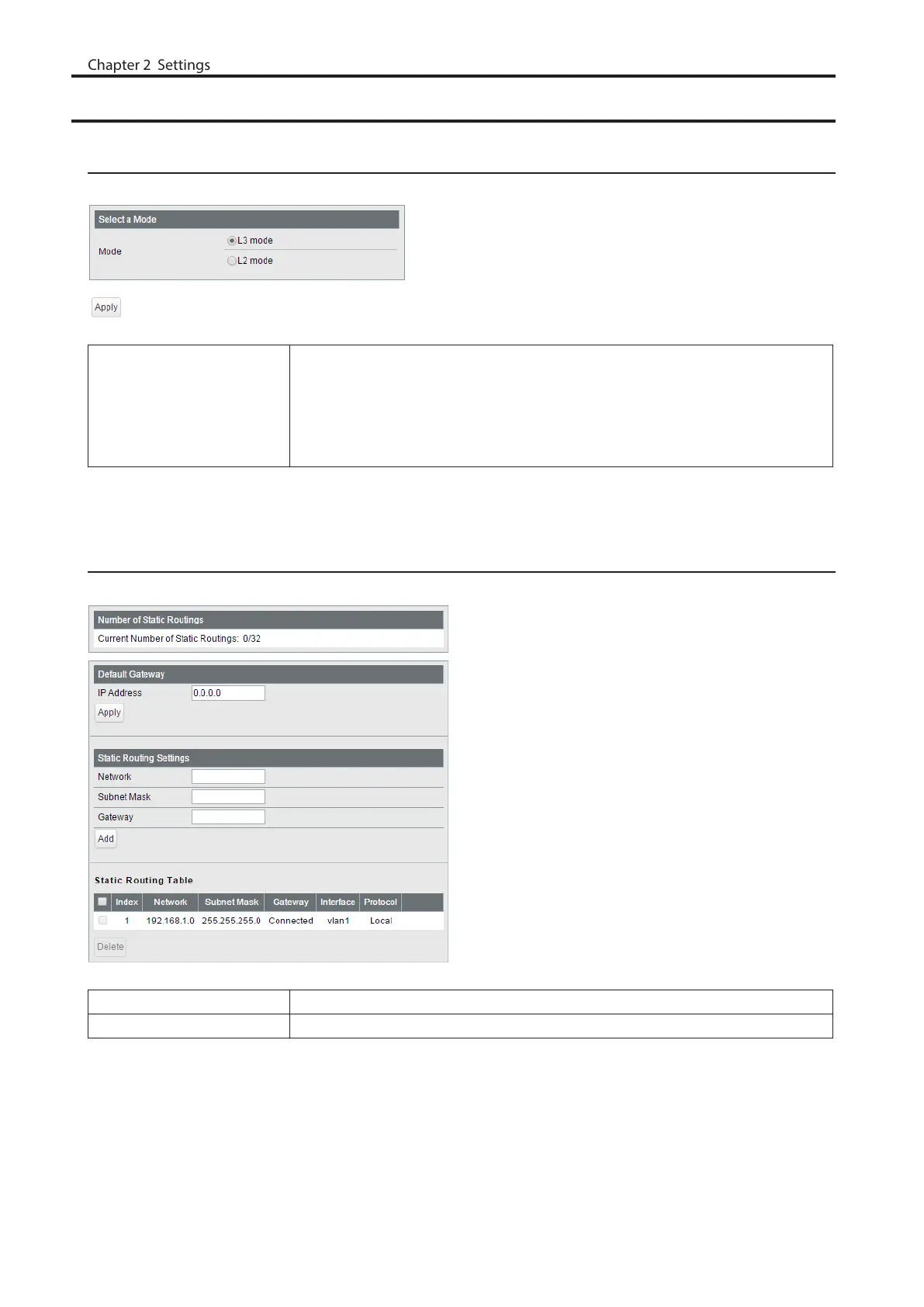
Configure the layer mode of the switch.
Mode
Specify the layer mode from the following.
L3 mode
The switch works as a layer 3 switch.
L2 mode
The switch works as a layer 2 switch.
Note: Switching the mode will delete static routing settings and all VLANs except VLAN 1.
Static Routing
Displayed only when the switch is in L3 mode. Configure the gateway to reach the specified network.
Number of Static Routings Displays the number of enabled static routings.
Default Gateway Enter the IP address of the gateway to reach an unspecified network.
21



 To Next Page