Loop Prevention Spanning Tree
Action when the loop is
detected
Temporarily disables the port. After the
configured time passes, the port will be
enabled again.
Blocks the port and switches the
transmission route automatically.
How to resolve the loop
Resolve manually
Data can be transmitted temporarily while
the port is disabled.
Data cannot be transmitted until the loop
is resolved unless storm control is enabled.
Resolve automatically
Communication will be interrupted
while the route is being switched.
Recommended
Environment
Small-scale network
• Large or medium-scale network
with existing spanning tree
• The environment that the loop
must be prevented in
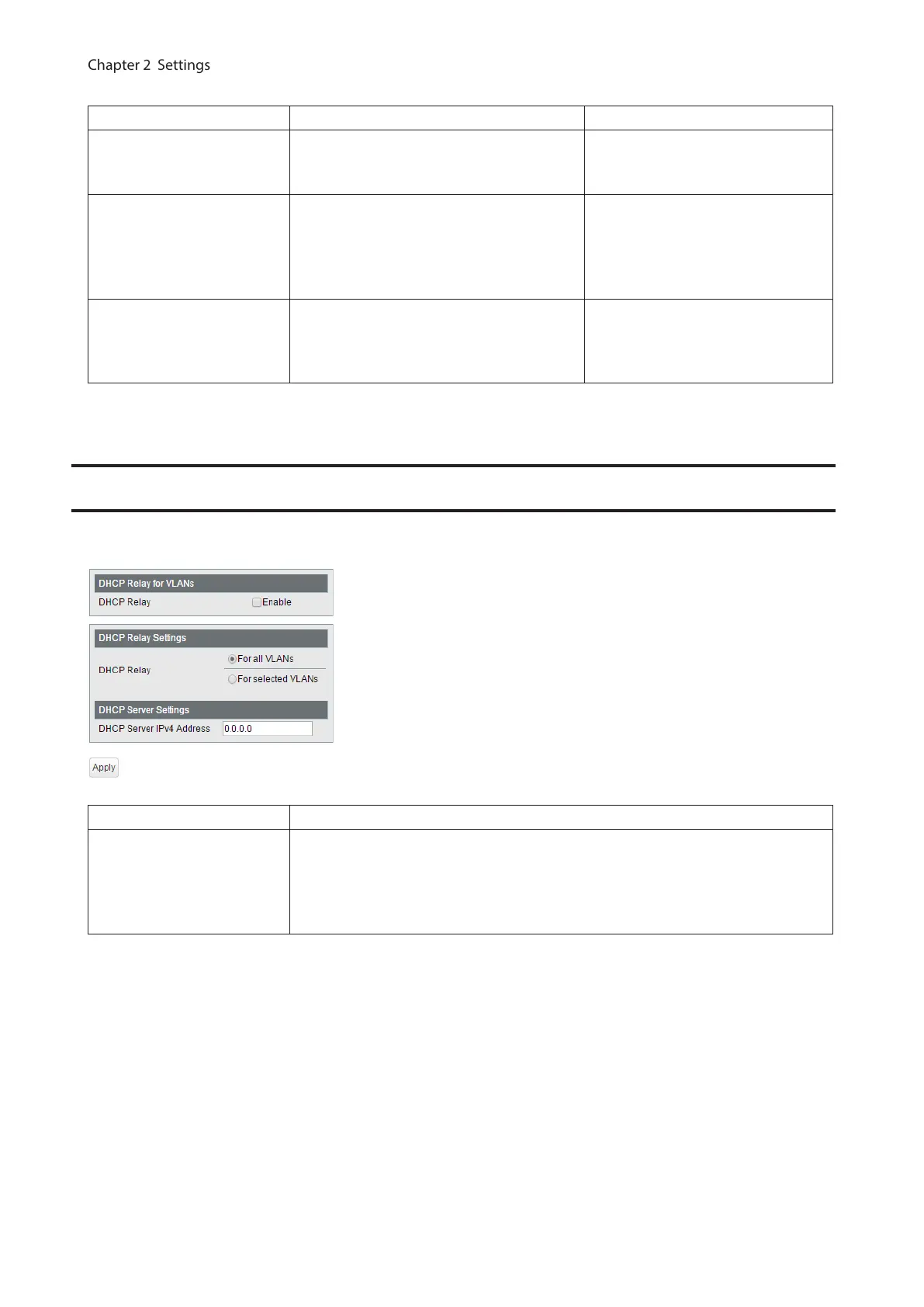
DHCP Relay
Displayed only when the switch is in L3 mode. Configure DHCP relay, that relays the DHCP messages in the other
network to the specific VLAN.
DHCP Relay Check to enable DHCP relay.
DHCP Relay Settings
If only one DHCP server is configured for all VLANs, select “For all VLANs”. If DHCP
servers are configured for each VLAN, select “For selected VLANs”.
If “For all VLAN” is selected, enter the DHCP server IP address. If “For selected
VLANs” is selected, check “Enabled” of each VLAN that need to enable DHCP relay.
Then, enter the DHCP server IP address for each VLAN.
71



 To Next Page