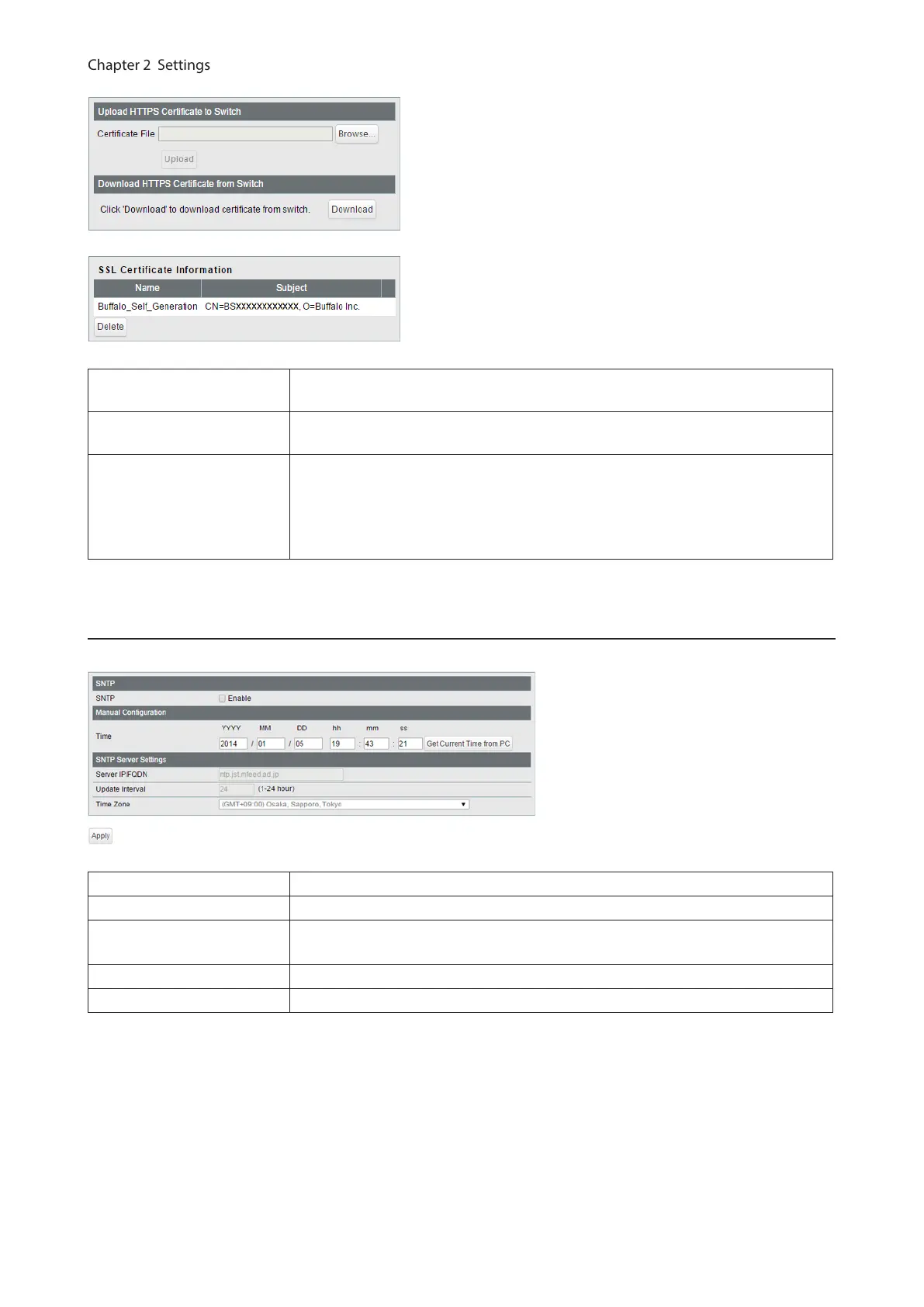
Upload HTTPS Certificate
to Switch
Upload HTTPS certificate.
Download HTTPS
Certificate from Switch
Download HTTPS certificate.
SSL Certificate
Information
Displays the uploaded certificate information. Click [Delete] to delete the
uploaded certificate.
Note: If the certificate is deleted, a certificate will be automatically created next
time the switch reboots.
Date & Time
Configure whether to manually set the date and time or automatically using a SNTP server.
SNTP Enable to automatically obtain the time from SNTP server.
Time Configure the time when SNTP is disabled.
Server IP/FQDN
Enter the SNTP server IP address or FQDN. To enter the FQDN, DNS settings must
be configured.
Update Interval Enter the interval which time is obtained from the SNTP server.
Time Zone Configure the time zone.
35



 To Next Page