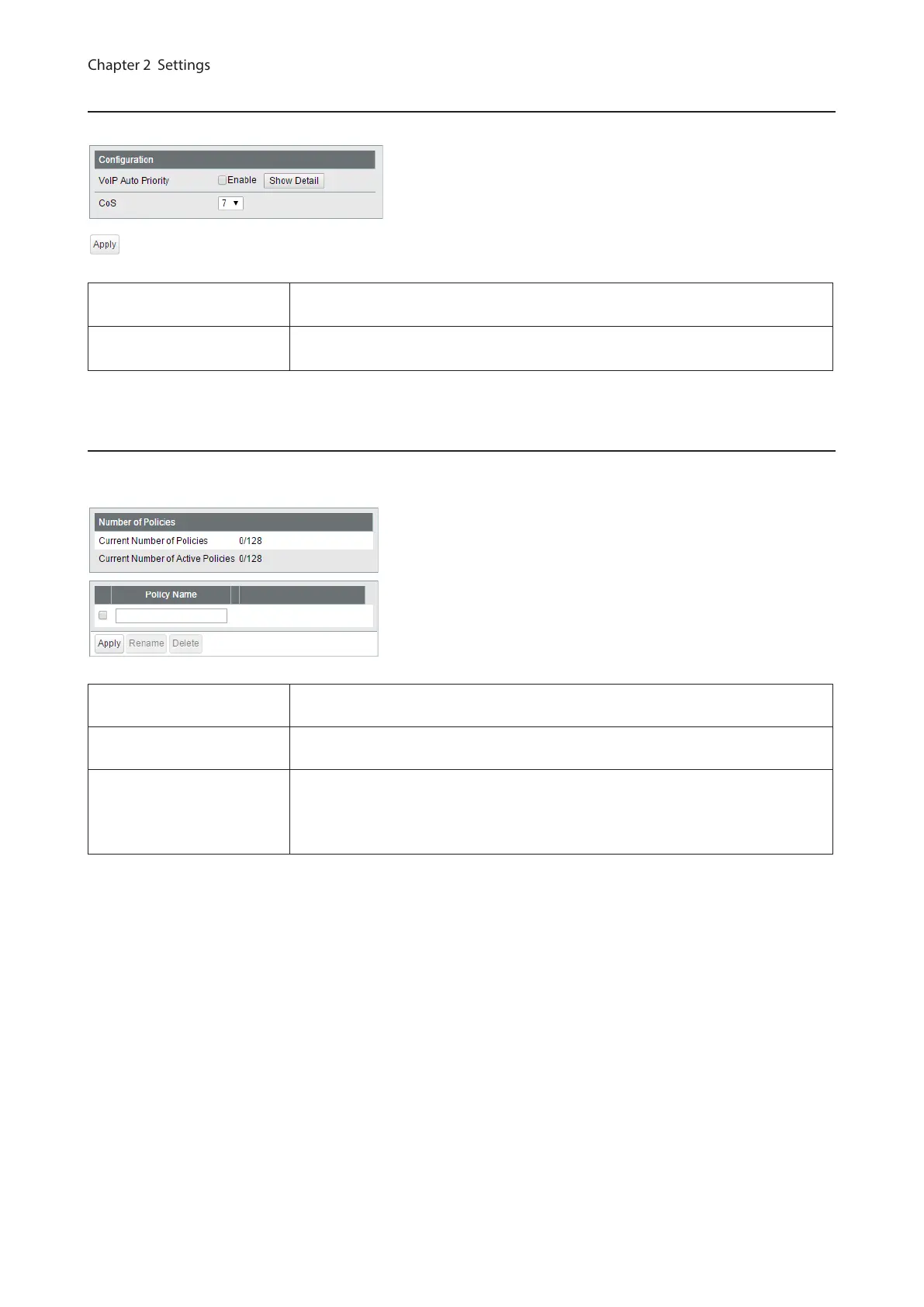
VoIP Auto Priority
Configure the priority of SIP, H.323, SCCP.
VoIP Auto Priority
Check to enable VoIP auto priority. Click [Show Detail] to enable or disable this
functionality for each port.
CoS
Applied to the VoIP packets of SIP, H.323, SCCP only. If QoS is enabled, it is
handled in accordance with CoS priority.
IPv4/MAC Policy
Create DiffServ policies. IPv4 and MAC addresses can be specified here. The enabled policies will be applied when
the packet or frame enters to the switch.
Current Number of
Policies
Displays the number of created policies.
Current Number of Active
Policies
Displays the number of active policies.
Policy Name
Enter the policy name into the blank field and click [Apply] to create a new policy.
Click [Show Detail] to configure the policy in detail.
Check the created policy name, enter the new name and click [Rename] to
rename the policy.
41



 To Next Page