38 38
8 Diagnostic Functions
8.5 Save Print Image
Access only with external storage device!
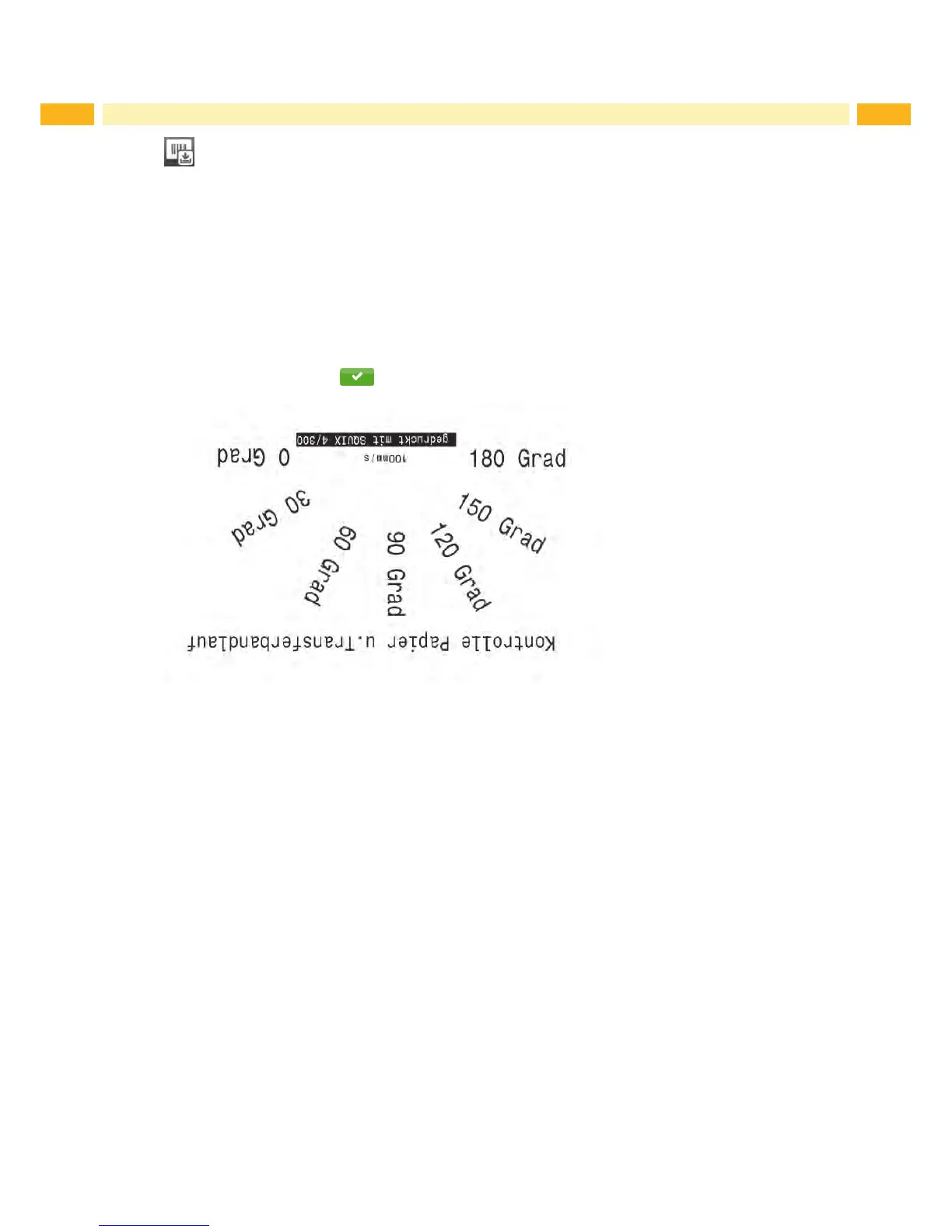
The function Save print image
allowstostorethelastprintimageasa.pngletoanexternalstoragedevice(SDcard,
USB memory module) installed on the printer.
Insert SD card or USB memory module.
Start menu.
Select Diagnostics > Save print image.
Select the external storage device.
Enteralename.
Thepredenednameiscomposedoftheidentier"img",date,clocktimeandthesufx".png",butmayalsobe
altered.
Conrmtheselectionwith .The.pnglewillbestoredintherootofthestoragedevice.
Figure 21 Saved print image



 To Next Page