43
10 Help
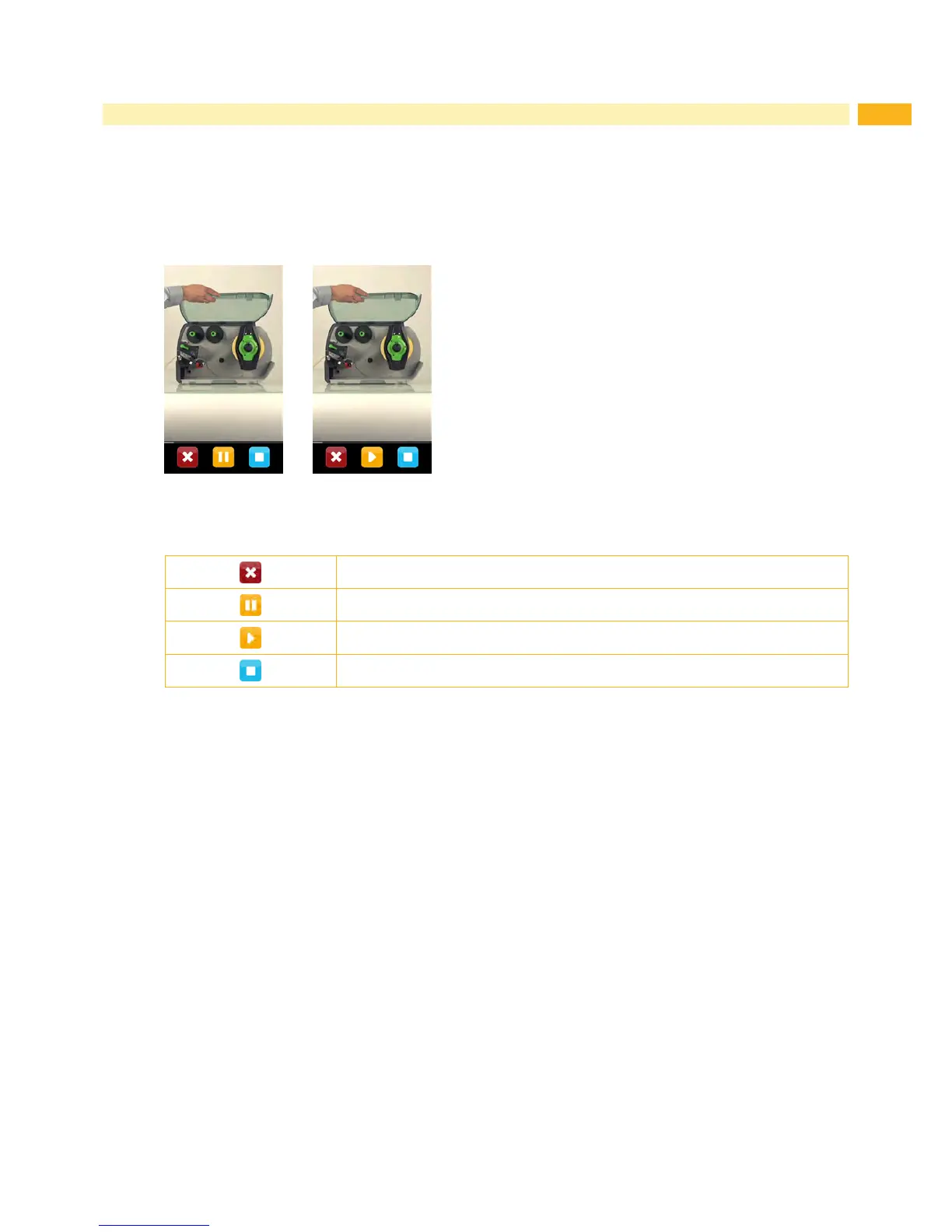
The Help menu contains video clips about important operations.
Start menu.
Select Help.
A list of clips will be shown.
Select a clip.
The playback of the clip will start.
Figure 23 Help video clip
The playback can be controlled by buttons:
Leave current clip, return to clip selection
Pause playback
Start playback
Stop playback, return to start
Figure 24 Buttons for playback control



 To Next Page