141
5
Advanced Operations
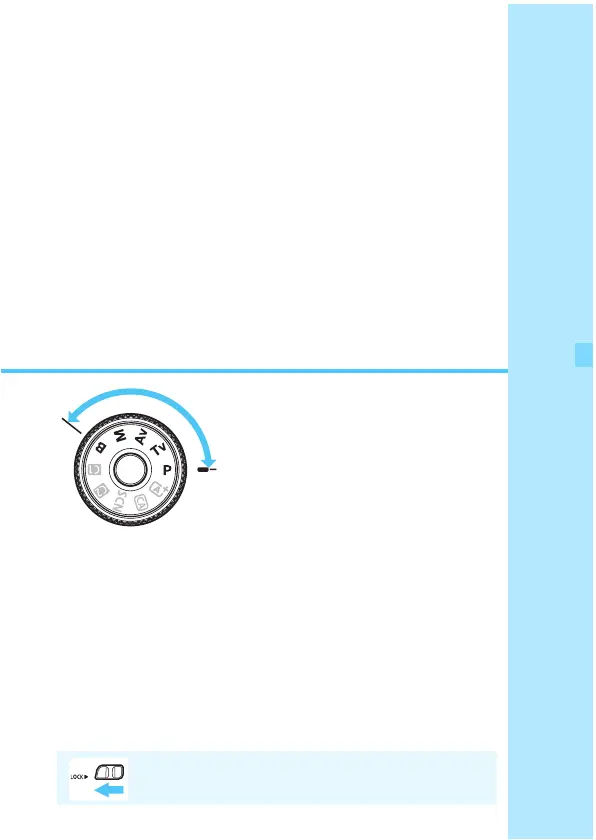
In Creative Zone modes, you
can set the shutter speed and/or
aperture to set the exposure as
desired. By changing the
camera settings, you can obtain
various results.
The M icon at the upper right of the page title indicates that
the function is available only in Creative Zone modes (d/
s/f/a/F).
After you press the shutter button halfway and let go, the
exposure values will remain displayed in the viewfinder and
on the LCD panel for 4 sec. (0).
For the functions settable in each shooting mode, see page
342.
Set the <R> switch to the left.






 To Next Page