97
When Autofocus Fails
1
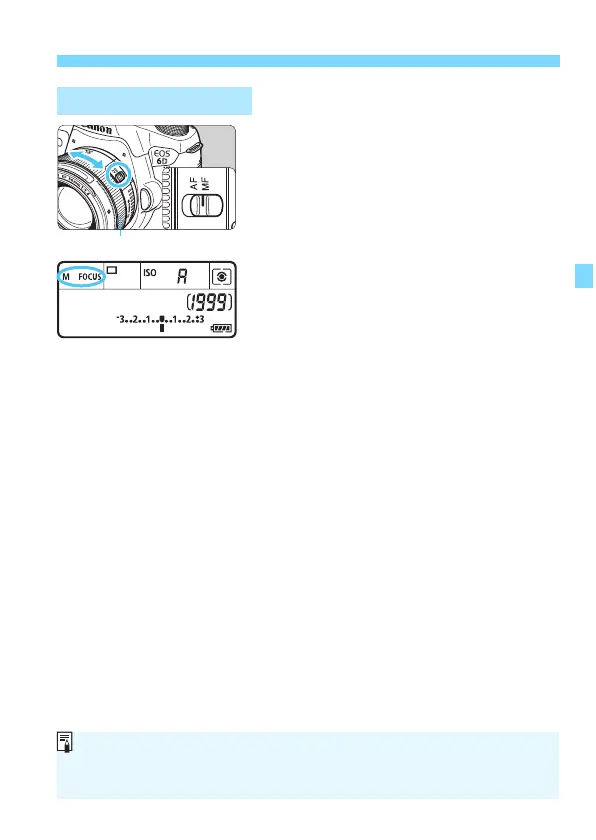
Set the lens focus mode switch to
<MF>.
X <4L> will be displayed on the
LCD panel.
2
Focus the subject.
Focus by turning the lens focusing
ring until the subject looks sharp in
the viewfinder.
MF: Manual Focusing
Focusing ring
If you press the shutter button halfway during manual focusing, the AF point
which achieved focus will flash briefly in red and the focus confirmation light
<o> will light up in the viewfinder.






 To Next Page