63
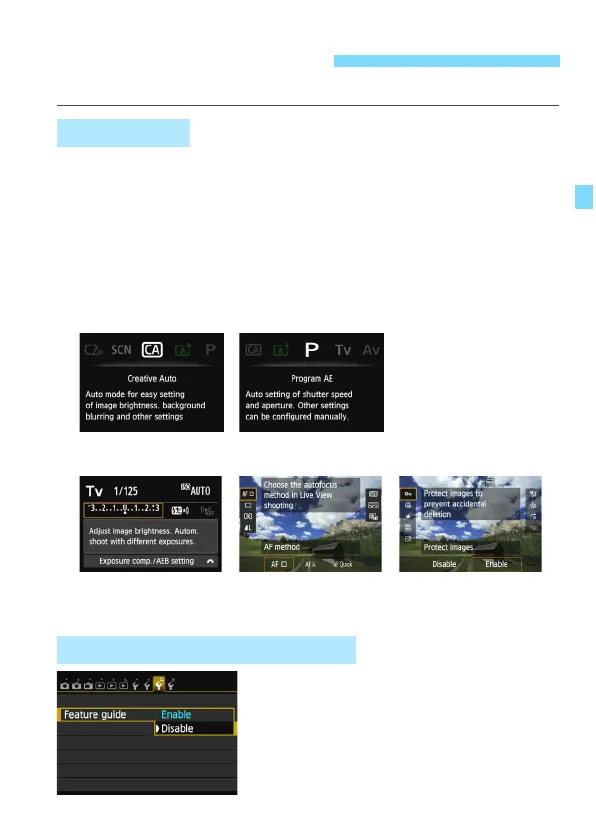
While you set some function, the feature’s description can be displayed.
The Feature guide displays a simple description of the respective
shooting mode, function or option. It appears when you change the
shooting mode or set a shooting function, Live View shooting, Movie
shooting, or Quick Control for playback. When you select a function or
option on the Quick Control screen, the Feature guide description
appears. When you proceed with the operation, the Feature guide will
disappear.
Sh
ooting mode (Sam
ple)
Quick Control (Sample)
Select [Feature guide].
Under the [53] tab, select [Feature
guide], then press <0>.
Select [Disable
], then press <0>.
Feature Guide and Help
Feature Guide
3 Disabling the Feature Guide
Shooting settings Live View shooting Playback






 To Next Page