3 Shooting Video Snapshots
232
3
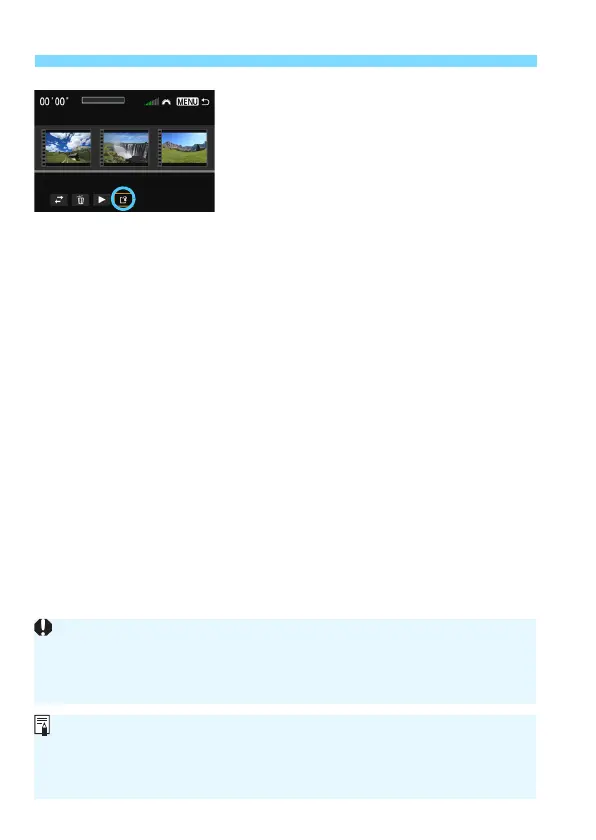
Save the edited album.
Press the <M> button to return to
the Editing panel at the screen’s
bottom.
P
ress the <U> key to select [W
]
(Save), then press <0>.
X The save screen will appear.
To save it as a new movie, select
[New file]. To save it an
d overwrite
the original movie file, select
[Overwrite]. Then press <0>.
Provided Software Usable with Albums
EOS Video Snapshot Task: Editing albums is possible. Add-on function
for ImageBrowser EX is automatically downloaded from the Internet
using auto update function.
If the card does not have enough free space, [New file] will not be
available.
When the battery level is low, editing albums is not possible. Use a fully-
charged battery.






 To Next Page