236
1
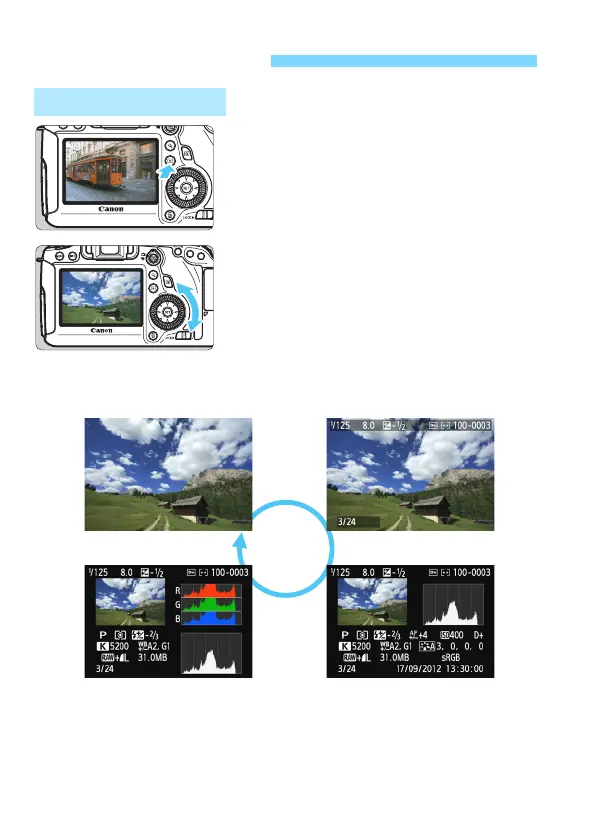
Play back the image.
Press the <x> button.
X The last captured image or last image
viewed will appear.
2
Select an image.
To play back images starting with the
last image, turn the <5> dial
counterclockwise. To play back
images starting with the first captured
image, turn the dial clockwise.
E
ach time you press the <B>
button, the display format will change.
x Image Playback
Single-Image Display
No information
Histogram
With basic information
Shooting information display






 To Next Page