81
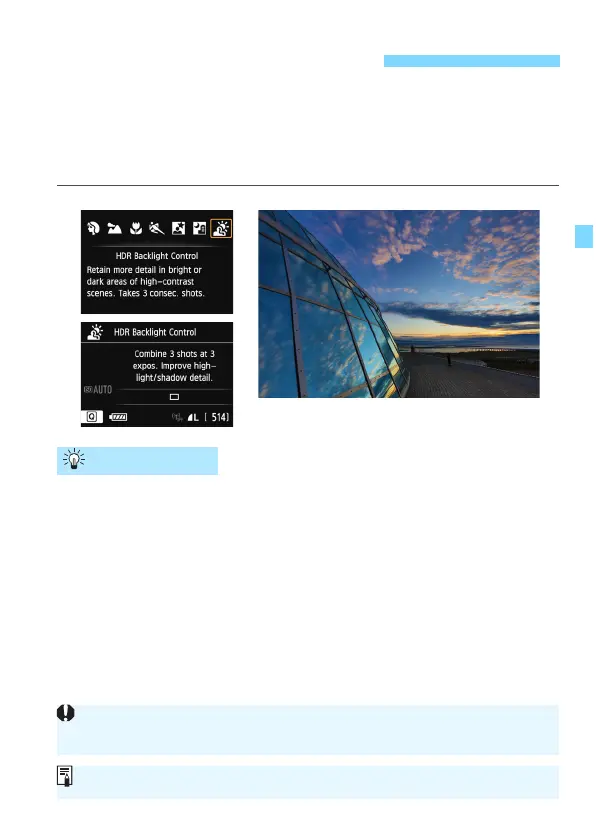
When shooting a scene having both bright and dark areas, use the
<G> (HDR Backlight Control) mode. When you take a picture, three
continuous shots are t
aken at different exposures, and the resulting
image with the least loss of shadow detail due to backlighting and
widest tonal range is recorded.
Hold the camera firmly.
While shooting, hold the camera firmly and steadily. If any of the
three shots are greatly misaligned due t
o camera shake, etc., they
may not align properly in the final image.
G Shooting Backlit Scenes
Shooting Tips
Even if a Speedlite is attached to the camera, it will not fire.
See the cautions on page 82.
HDR stands for High Dynamic Range.






 To Next Page