67
A Fully Automatic Shooting (Scene Intelligent Auto)
4
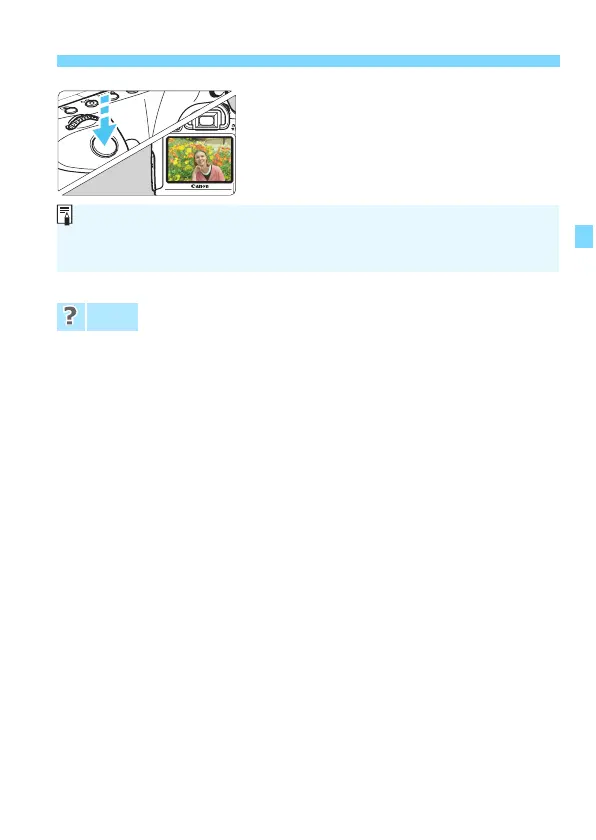
Take the picture.
Press the shutter button completely to
take the picture.
X The captured image will be displayed
for 2 sec. on the LCD monitor.
The focus confirmation light <o> blinks and
focus is not
achieved.
Aim the AF point over an area having good contrast, then press the
shutter button halfway (p.44). If you are too close to the subject,
move away and t
ry again.
Multiple AF points flash simultaneously.
This indicates that focus is achieved at all those AF point
s. When the
AF point covering the desired s
ubject flashes, take the picture.
The beeper continues to beep softly. (The focus confirmation
light <o> does not lig
ht up.)
It indicates that the camera is focusing continuously on a moving
subject. (The focus confirmation light <o> does not light up.) Y
ou
can take sharp pictures of a mo
ving subject.
Note that focus lock (p.69) will not work in this case.
Pressing the sh
utter button halfway does not focus the subject.
If the focus mode switch on the lens is set to <MF> (manual focus),
set it to <AF> (autofocus).
FAQ
The <A> mode makes the colors look more impressive in nature, outdoor,
and sunset scenes. If the desired color tone is not obtained, use a Creative
Zone mode and select a Picture Style other than <D> and shoot (p.112).






 To Next Page