Feature Guide and Help
64
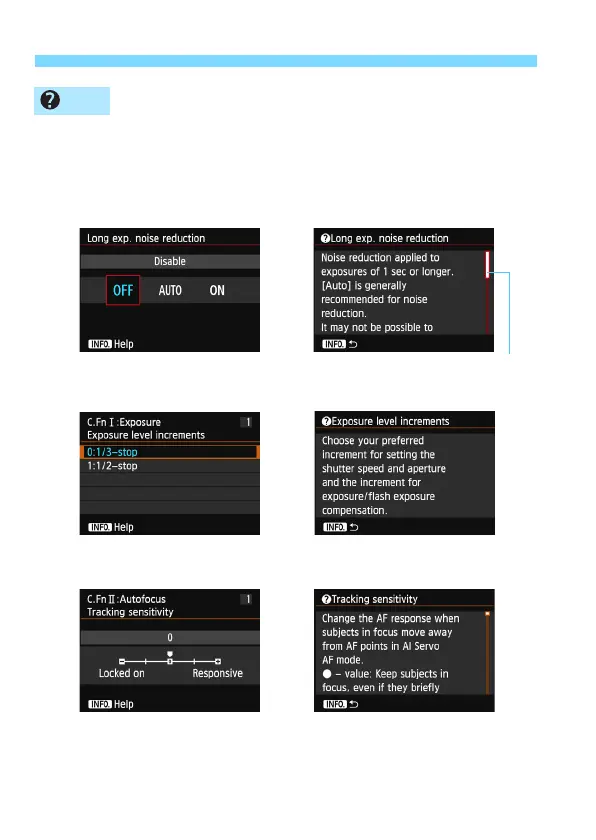
When [zHelp] is displayed at the bottom of the menu screen,
pressing the <B> button displays the function’s description (Help). If
the Help fills more than one screen, a scroll bar will appear on the right
edge. You can turn the <5> dial to scroll down.
Example: [z4: Long exp. noise reduction]
Example: [8C.Fn I -1: Exposure level increments]
Example: [8C.Fn II -1: Tracking sensitivity]
Help
B
Î
Scroll bar
B
Î
B
Î






 To Next Page