66
<A> is a fully automatic mode. The camera analyzes the scene
and sets the optimum settings automatically. It also adjusts focus
automatically by detecting whether the subject is still or moving (p.69).
1
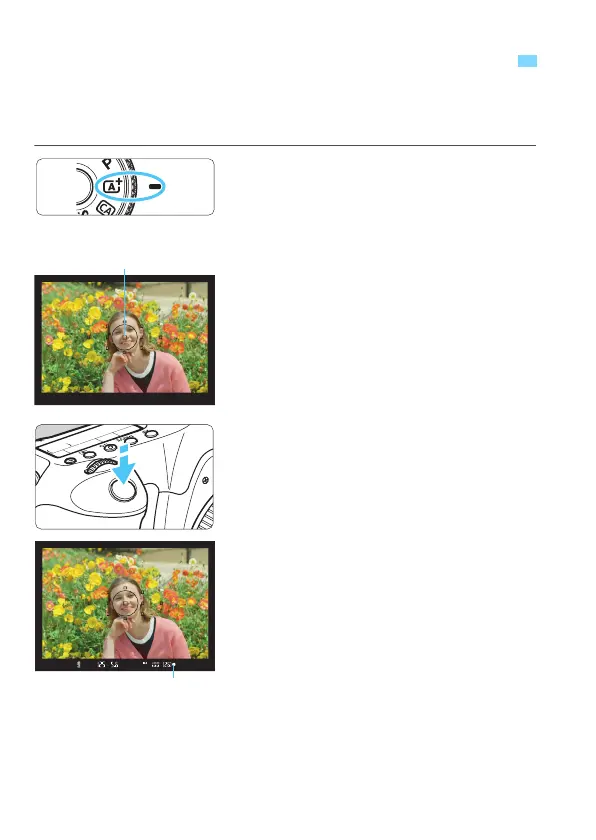
Set the Mode Dial to <A>.
Turn the Mode Dial while holding
down the lock release button at the
center.
2
Aim any AF point over the
subject.
All the AF points will be used to focus,
and generally the closest object will
be focused.
A
iming the center AF point over the
subject will make focusing easier.
3
Focus the subject.
Press the shutter button halfway, and
the lens focusing ring will rotate to
focus.
X The AF point achieving focus flashes
briefly in red. At the same time, the
beeper will sound and the focus
confirmation light <o
> in the
viewfinder will light up.
A
Fully Automatic Shooting (Scene Intelligent Auto)
AF point
Focus confirmation light






 To Next Page