Before You Start
56
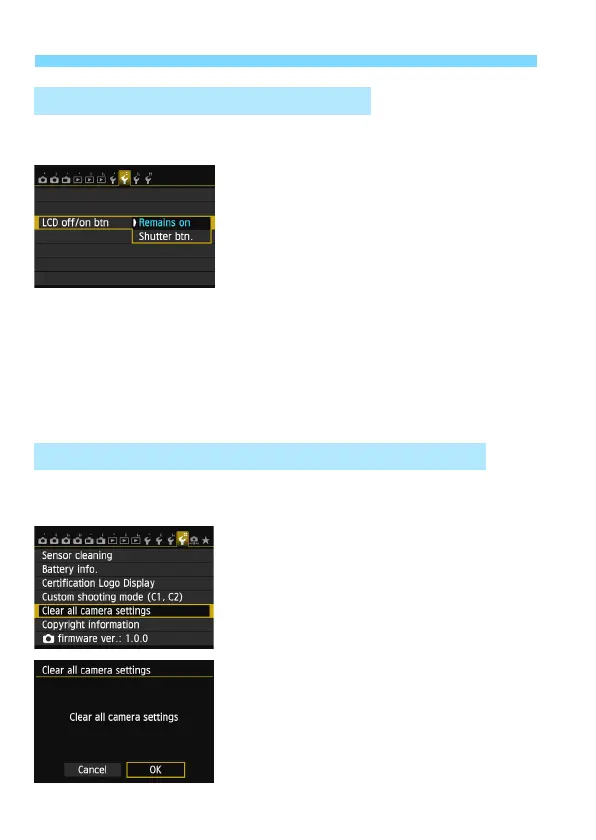
The shooting settings display (p.48) can be set to remain on even when
you press the shutter button halfway.
Under the [52] tab, select [LCD
off/on
btn], then press <0>. The available
settings are described below. Select one,
then press <0>.
[Remains on]:Display remains on even when you press the shutter
button halfway. To turn off display, press the
<B> button.
[Shutter btn.]: When you press the shutter button halfway, the
display will turn off. When you let go of the shutter
button, the display will turn on.
The camera’s shooting settings and menu settings can be reverted to
their d
efaults.
1
Select [Clear all camera settings].
Under the [54] tab, select [Clear all
camera settings], then press <0>.
2
Select [OK].
Select [OK], then press <0>.
X Setting [Clear all camera settings]
will reset the camera to the following
default settings:
3 Turning the LCD Monitor Off/On
3 Reverting the Camera to the Default SettingsN





 To Next Page