237
x Image Playback
3
Exit the image playback.
Press the <x> button to exit the
image playback and return to
shooting-ready state.
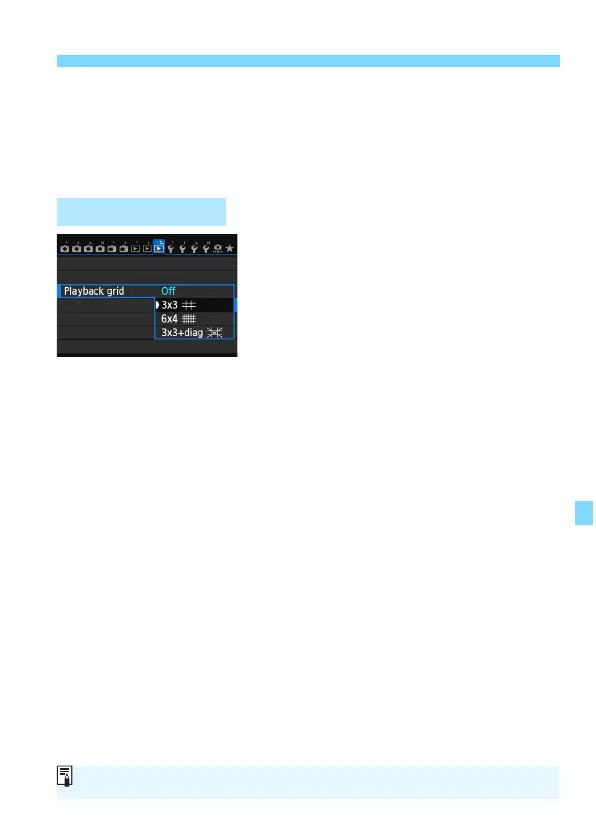
On the single-image display, you can
overlay a playback grid.
With [33: Playback grid], yo
u can
select [3x3 l], [6x4 m], or [3x3+diag
n].
This function is convenient for checking
the image’s vertical or horizontal tilt, as
well as composition.
3 Grid Display
The grid is not displayed during movie playback.






 To Next Page