75
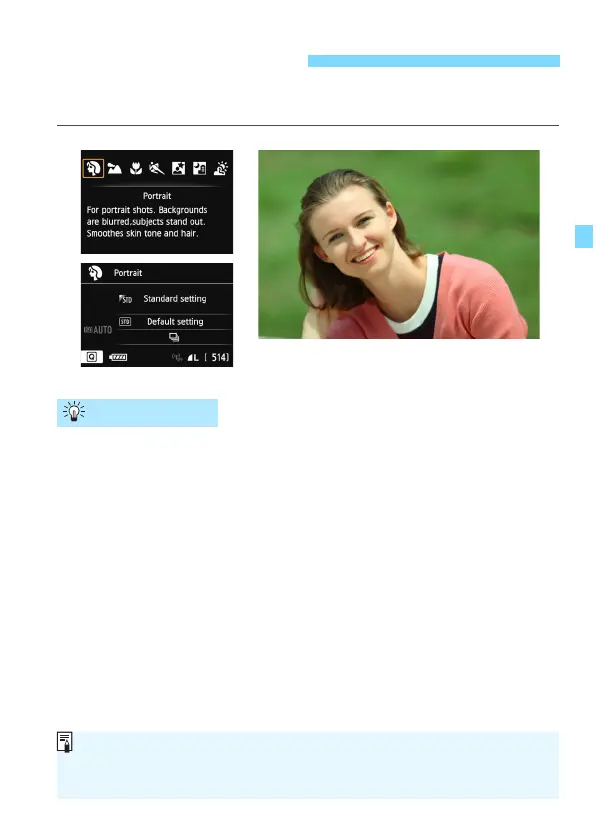
The <2> (Portrait) mode blurs the background to make the human
subject stand out. It also makes skin tones and the hair look softer.
The further the distance between the subject and background,
the better.
The further the distance between the subject and background, the
mor
e blurred the background will look. The subject will also stand
out b
etter in front of a plain, dark background.
Use a telephoto lens.
If you have a zoom lens, use the telephoto end to fill the frame with
the subject from the waist up. M
ove in closer if necessary.
Focus the face.
Check that the AF point covering the face flashes in red. For close-
ups of the face, focus the e
yes.
2 Shooting Portraits
Shooting Tips
The default setting is <i> (Continuous shooting). If you hold down the
shutter button, you can shoot continuously to obtain different poses and
facial expressions (max. approx. 4.5 shots/sec.).






 To Next Page