Viewing the Images on TV
262
5
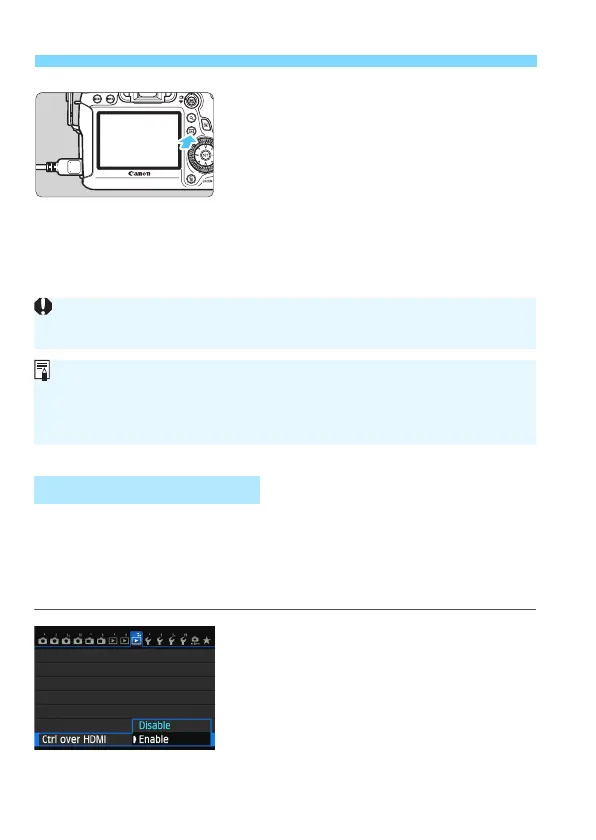
Press the <x> button.
X The image will appear on the TV
screen. (Nothing will be displayed on
the camera’s LCD monitor.)
The images will automatically b
e
displayed at the TV’s optimum
resolution.
B
y
pressing the <B> button, you
can change the display format.
T
o play back movies, see page 253.
If the TV set connect
ed to the camera with an HDMI cable is compatible
with HDMI CEC*, you can use the TV set’s remote con
trol for playback
operations.
* An HDMI-standard function enabling HDMI devices to control each other so that
you can control them with one remote control unit.
1
Set [Ctrl over HDMI] to [Enable].
Under the [33] tab, select [Ctrl over
HDMI], then press <0>.
Select [Enable], then press <0>.
Using HDMI CEC TV Sets
The images cannot be output at the same time from both the <D>
and <q> terminals.
Do not connect any other device’s output to the camera’s <D>
terminal. Doing so may cause a malfunction.
Certain TVs may not be able to play back the captured images. In such a
case, use the provided AV cable to connect to the TV.






 To Next Page