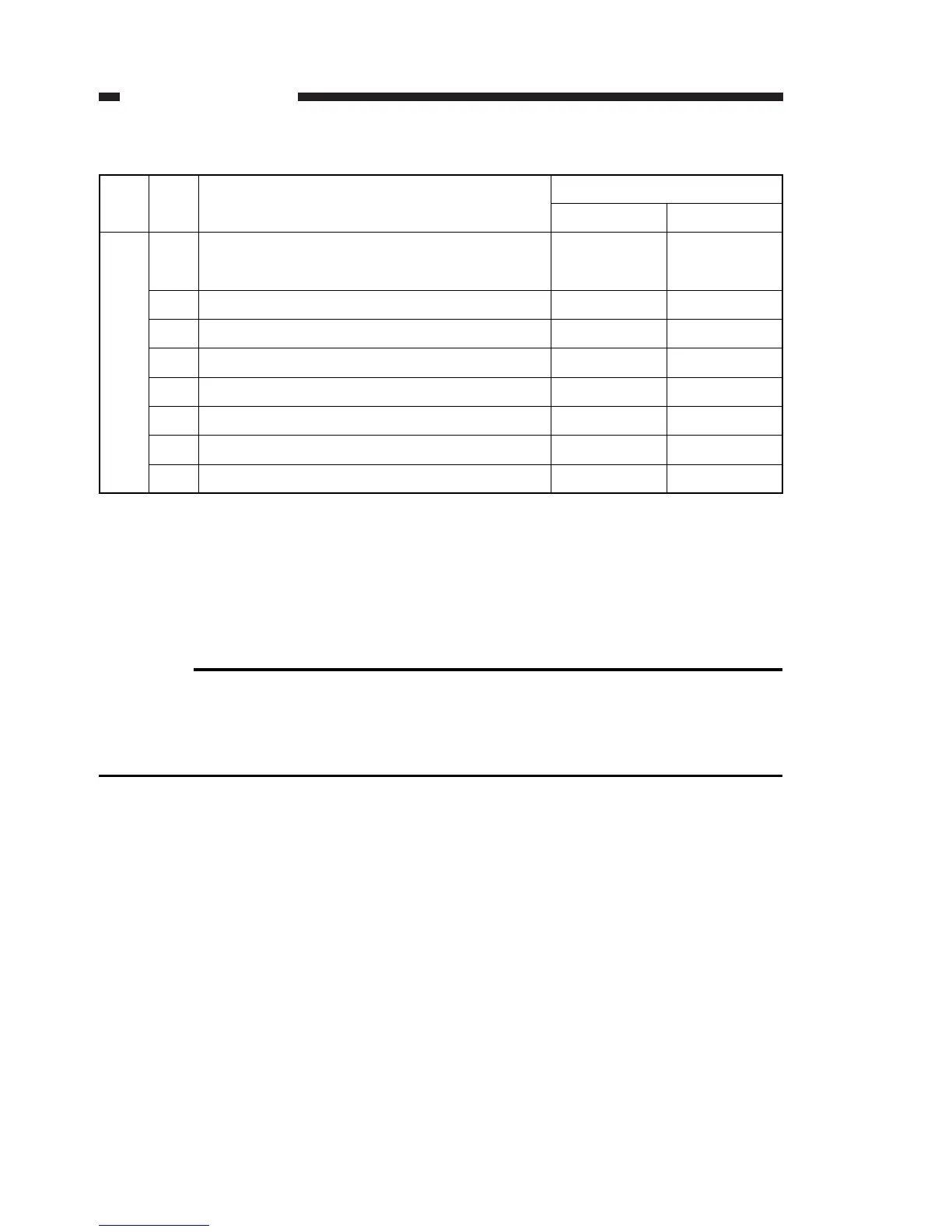
#1 SSSW-SW02: Network connection condition settings
Table 4-3
[Bit 0]
Selects whether or not to go into standby when the memory clear list is not output when
the machine is powered on, after an error occurs. After the screen data are cleared by
selecting “Prohibit”, turn on the power and clear the error. Then the machine will go into
standby after the memory clear report is output.
Reference:
Actions when “Prohibit” is selected
a) Error occurrence: will not receive at this time even if a transmission arrives.
b) After error clearing: memory clear report is output automatically. When an error
occurs during output, return to action a).
CHAPTER 4 SERVICE MODE
4-26
SW
No.
Bit
No.
Function
02
0
Startup when there is faulty memory clear
report output
Bit setting
10
Restrict Do not restrict
1
2
Reserved
Reserved
3 Reserved
4 Reserved
5 Reserved
6 Reserved
7 Reserved



 To Next Page