CHAPTER 12 INSTALLATION
12-8
COPYRIGHT
©
1999 CANON INC. CANON 405/335 REV.0 JAN. 1999 PRINTED IN JAPAN (IMPRIME AU JAPON)
No.
5
6
7
8
9
RemarksWork
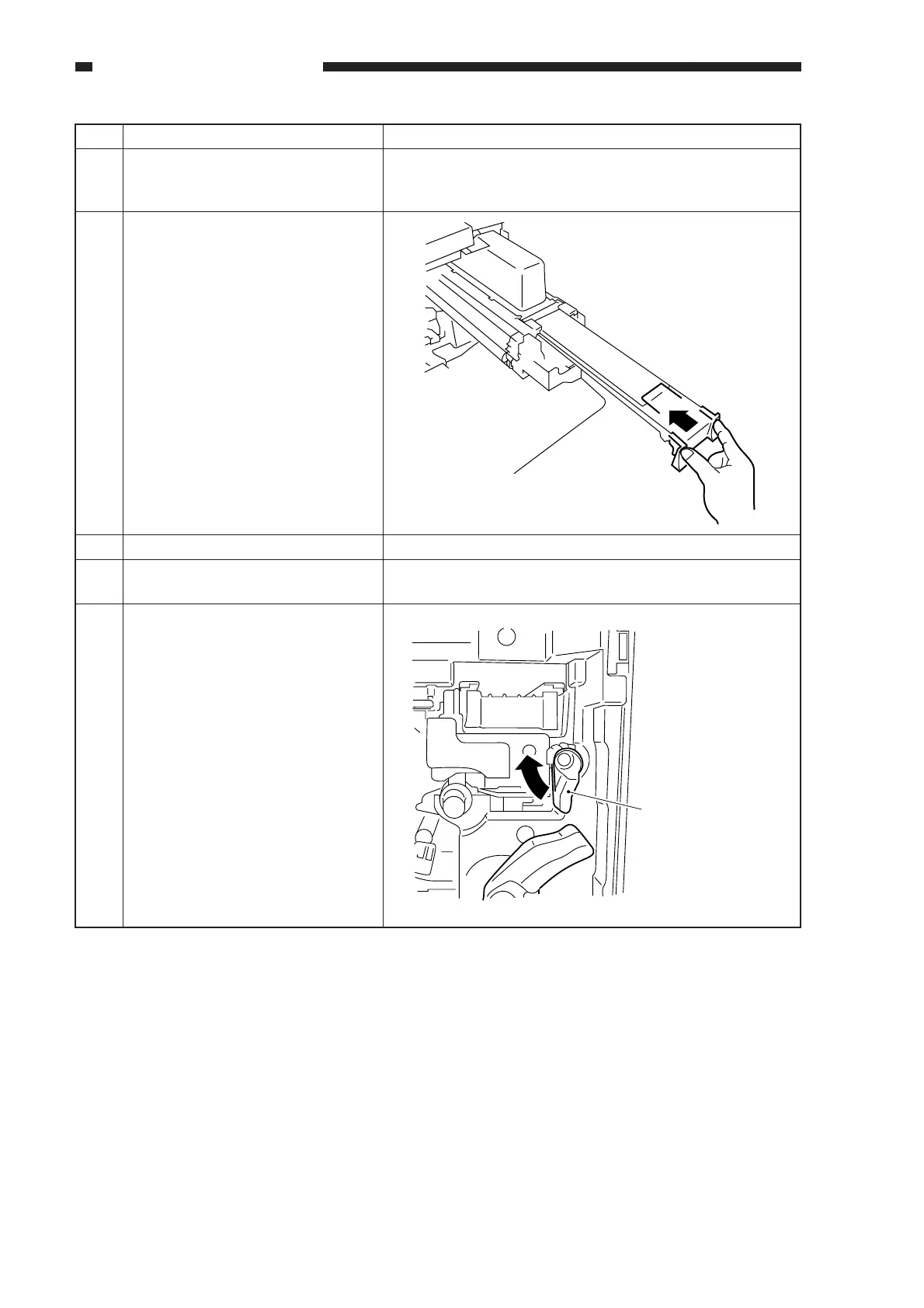
Tap lightly on the top of the toner
cartridge so that toner falls in to the
developing assembly.
Push in the black cover of the
developing assembly back to its
initial position.
• Check to make sure that the
toner cartridge has separated
from the developing assembly.
Detach the toner cartridge.
Push in the developing assembly
until it stops.
Turn the developing assembly
locking lever in the direction of the
arrow to lock the developing
assembly in place.
Be sure to perform C. "Stirring the
Toner."
Developing assembly
locking lever



 To Next Page