COPYRIGHT
©
1999 CANON INC. CANON 405/335 REV.0 JAN. 1999 PRINTED IN JAPAN (IMPRIME AU JAPON)
12-17
CHAPTER 12 INSTALLATION
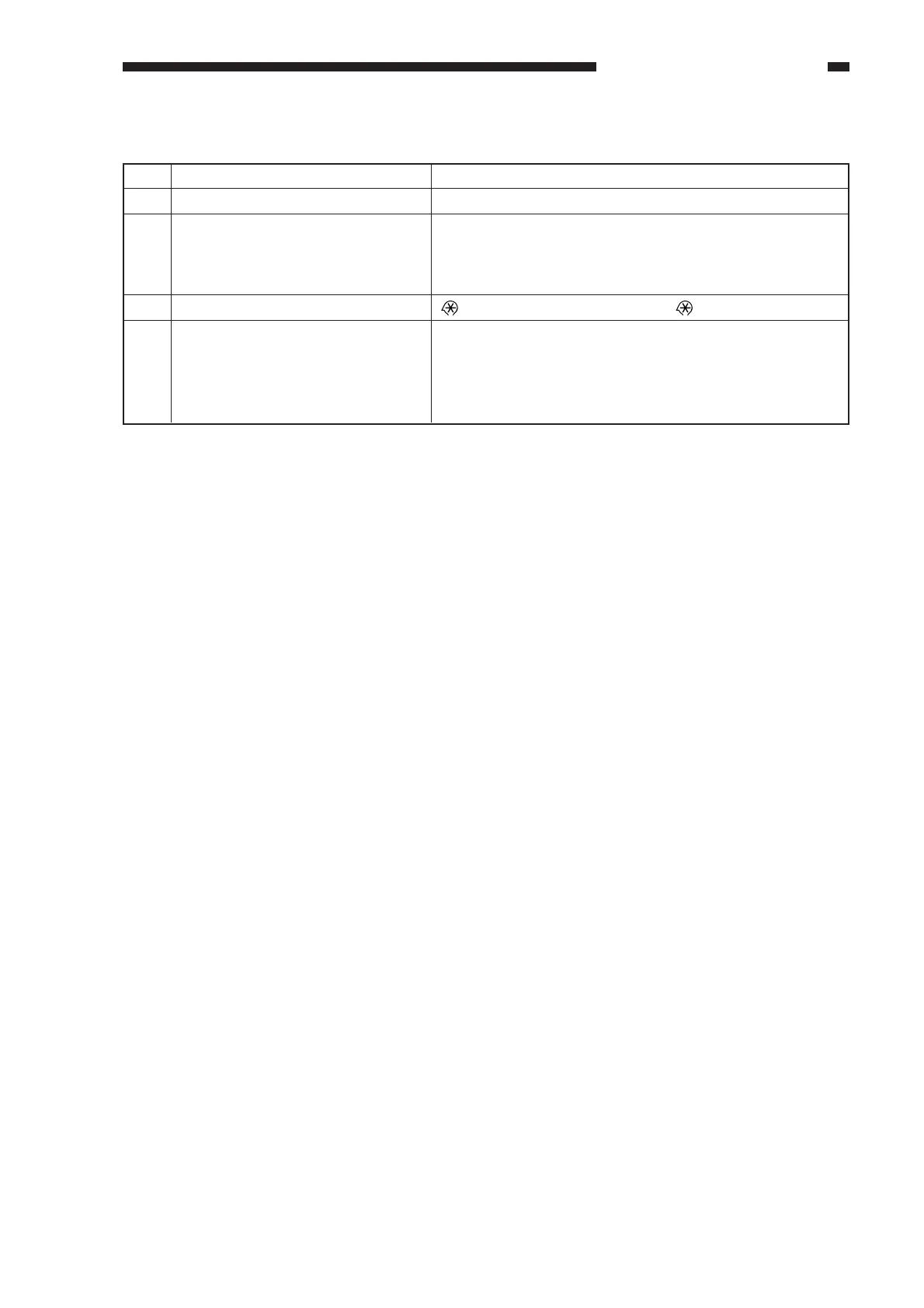
G. Making Settings
No.
1
2
3
4
Remarks
user mode → timer setting → date setting
→ 2 and 8 at the same time →
See VII-F. in Chapter 13.
Work
Turn on the main power switch.
Press the User Mode key, and use
the following items:
• Date
• Time
Start service mode.
Select the appropriate item
according to the use's preference
from among those under
COPIER>OPTION>USER in
service mode.



 To Next Page